A future iOS update will let iPhone users share files with non-contacts via AirDrop for up to 30 days.
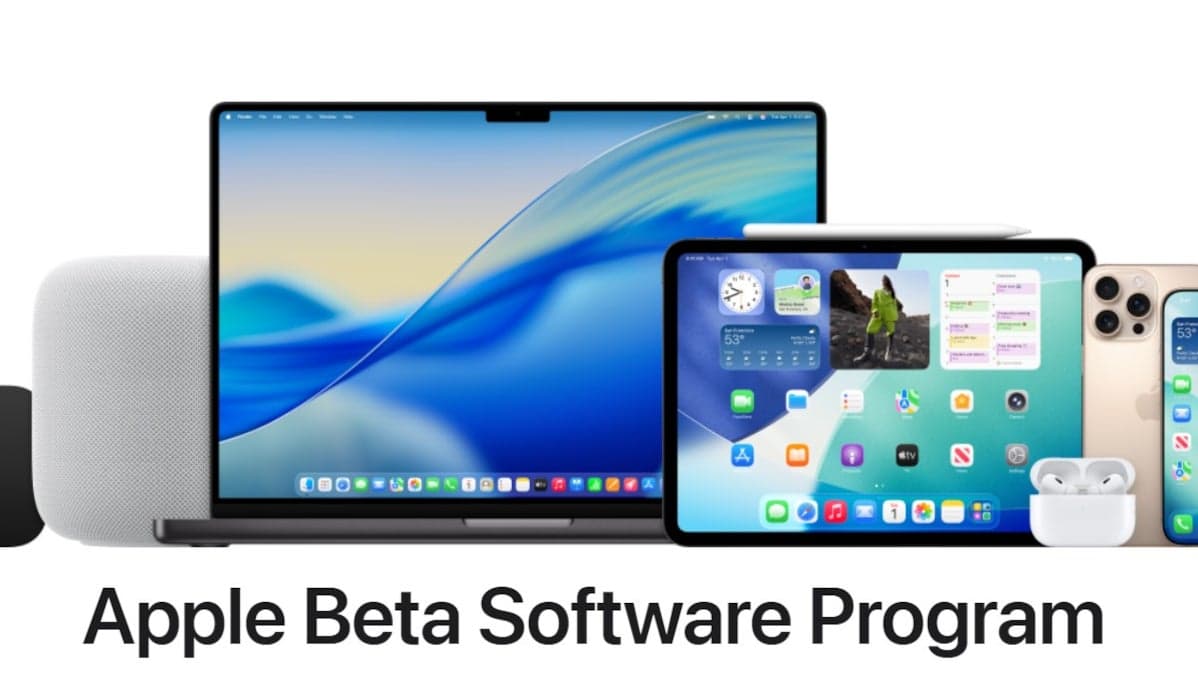
The latest iOS 26.2 Beta release took place on Monday and it confirms a new AirDrop connectivity feature.
The prior update mentioned a new AirDrop feature that lets users pair with others not in their contacts using a one-time code. This enables file sharing with non-contacts for up to 30 days. The feature is fully operational in Beta 3, eliminating the need to add contacts for AirDrop. The new option is located in Settings > General > AirDrop under Manage Known AirDrop Contacts.
Apple states that users can share a secure code with people not in their contacts to use AirDrop. They will then be able to find each other for 30 days, with access manageable in Settings. Users will automatically appear for 30 days to those they've shared a code with. This feature will be available in the stable iOS 26.2 version in December.
Previously, AirDrop offered three options: disabling AirDrop, appearing only to contacts, or appearing to everyone for 10 minutes. To summarize, iOS 26.2 lets users share a code with non-contacts for 30 days.
The iOS 26.2 Beta 3 update also changes the appearance of numbers in the Measure app. This app uses Augmented Reality (AR) with iPhone sensors to provide approximate measurements, functioning as a digital tape measure.
To install iOS 26.2 Beta 3, navigate to Settings > General > Software Update and follow the installation prompts. If the update isn't visible, enroll in the Apple Beta Software Program for iOS 26 Beta. Then, go to Settings > General > Software Update and tap Beta Updates to choose from:
* Off: No Beta updates
* iOS 26 Public Beta: Public Beta releases
* iOS 26 Developer Beta: Developer Beta releases
Since Apple no longer requires developer registration fees, requesting the Developer Beta might be beneficial. However, Developer Beta releases may contain more bugs as they are released first. After a few days of bug fixes, the less buggy Public Beta is released. Select the Public Beta for greater stability or the Developer Beta for the earliest access.
In other news, an iPhone displayed "72% charged-18m to 80%" on the Lock Screen while charging. Charging time estimates were added in iOS 26, but this was the first time this user noticed it on their phone. This feature provides an idea of how long it will take to reach a desired charge level before leaving. Reaching 80% is a key goal because charging speed decreases to "trickle charging" afterward.
Travel Easy with Nomad eSIM – 25% Off
25% off eSIM data-only plans & global coverage - enter code IPHONE25, sign up required
Check Out The Offer
Travel Easy with Nomad eSIM – 25% Off
25% off eSIM data-only plans & global coverage - enter code IPHONE25, sign up required
Check Out The Offer
25% off eSIM data-only plans & global coverage - enter code IPHONE25, sign up required
25% off eSIM data-only plans & global coverage - enter code IPHONE25, sign up required