A long-term review concludes the Pixel Watch 4 still doesn't match the Apple Watch.
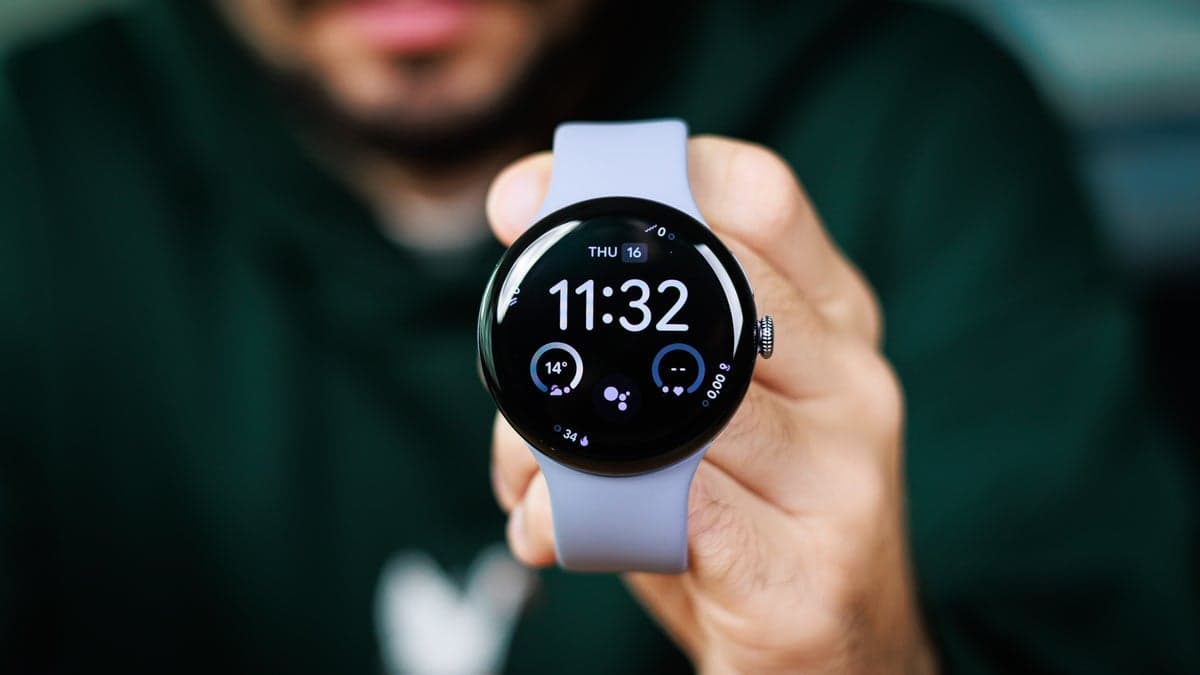
Google got the hardware right, can we now focus on the software?
I preferred the Solar Graph watch face for years because it let me see how close I was to the strongest sunlight and showed sunrise and sunset times at a glance. There is no equivalent for the Pixel Watch.
Apple's iPhone app also features a Face Gallery with hundreds of options for the Apple Watch, including animated faces and unique designs.
In comparison, the Pixel Watch's selection is limited. I counted only a dozen native faces, and most appear monochrome, uninteresting, or poorly designed. The constantly moving ring on some watch faces is particularly bothersome.
Additionally, most faces are linked to Google or Fitbit services such as steps, heart rate, and notifications. There aren't any playful options like Apple's Snoopy or Toy Story faces, and the third-party face selection is still small but growing.
The always-on display is another disappointment. The Apple Watch's version is subtle but useful, keeping your chosen watch face visible but dimmed.
However, the Pixel Watch's "always-on" display feels like a technicality. When the screen dims, the watch face becomes a simplified version showing only the time and date.
Always-on displays should make smartwatches feel like real watches and provide useful information without needing to move your wrist. The Pixel Watch's implementation falls short and highlights the need for improvement.
Workout Detection Issues
The Pixel Watch's automatic workout detection is also problematic. It consistently detects workouts late. Bike rides, walks, and even runs sometimes go unrecorded until well into the activity. Google appears to provide a workout summary after completion, but this creates two major issues.
First, it's uncertain whether the Pixel Watch will record your workout. The Apple Watch approach is better, as a notification appears after about five minutes. If it doesn't, you know to manually start the workout. Plus, accepting the reminder allows you to view helpful stats during your workout.
That's how it should function. With the Pixel Watch, I'm never sure if a workout will be detected automatically, and in my experience, it often isn't.
What about Body Responses?
Google's "Body Responses" feature sounds promising—it aims to provide insight into your emotional and physical condition. Starting with the Pixel Watch 2, a special continuous electrodermal activity (cEDA) sensor, which detects sweat, combines with heart rate, HRV, and skin temperature measurements to alert you to stress.
However, in practice, it feels like a random buzz that occurs multiple times daily. I often receive "elevated stress" alerts while sitting quietly, whereas actual moments of stress often go unnoticed. It's absurd.
The feature isn't entirely useless, but it's unreliable. Once you lose trust in the data, you stop checking it.
Positive Aspects: Battery, Charging, and Design
I must acknowledge the positives: the Pixel Watch 4's two-day battery life is a significant advantage.
Apple Watch users have been requesting longer battery life for years. With the Pixel Watch, I can easily go two full days without worrying about power.
Charging is also impressively fast. It recovers about 70% of the battery in 20 minutes. Additionally, the magnetic cradle is both practical and a small design detail that brings satisfaction each time you place the watch on it, and you can see the time while charging.
Concluding Remarks
The Pixel Watch 4 has the appearance of a premium smartwatch, and I appreciate the round, pebble-like design. It also feels well-made.
However, this is also the most frustrating aspect. Google has created a solid foundation but hasn't completed all the necessary work. The hardware is good, but the software needs refinement.