A new app offers a better cross-platform file-sharing solution than AirDrop on Pixel phones.

Google brought AirDrop to Android, but KDE Connect is the real ecosystem destroyer.
As more anticipate which Apple services may become open, third-party apps are available to bridge ecosystem differences across iOS, Android, macOS, Windows, and Linux.
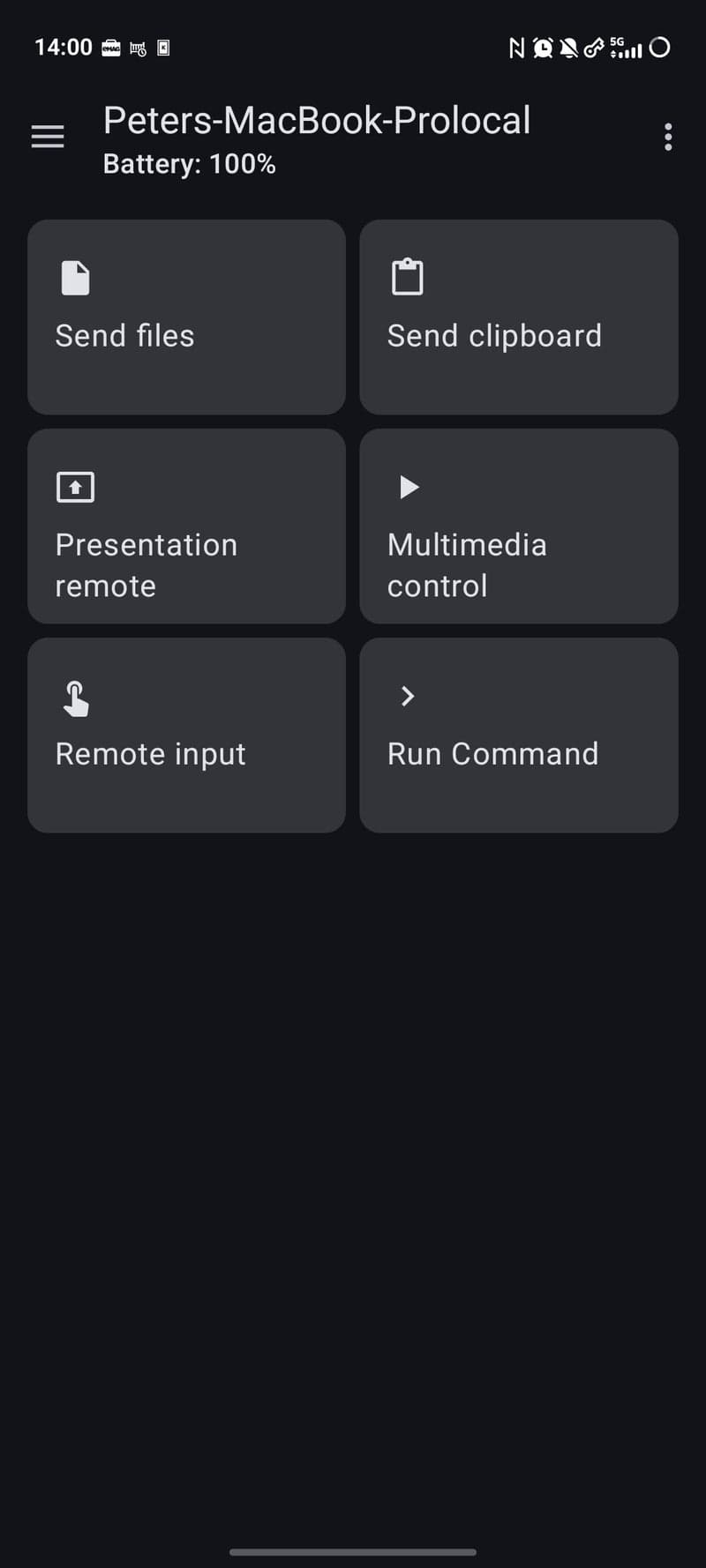
One such app is KDE Connect, an open-source solution for universal interoperability across major platforms. It connects devices running Linux Desktop, Android, Windows, Plasma Mobile, SailfishOS, macOS, iOS, and more.
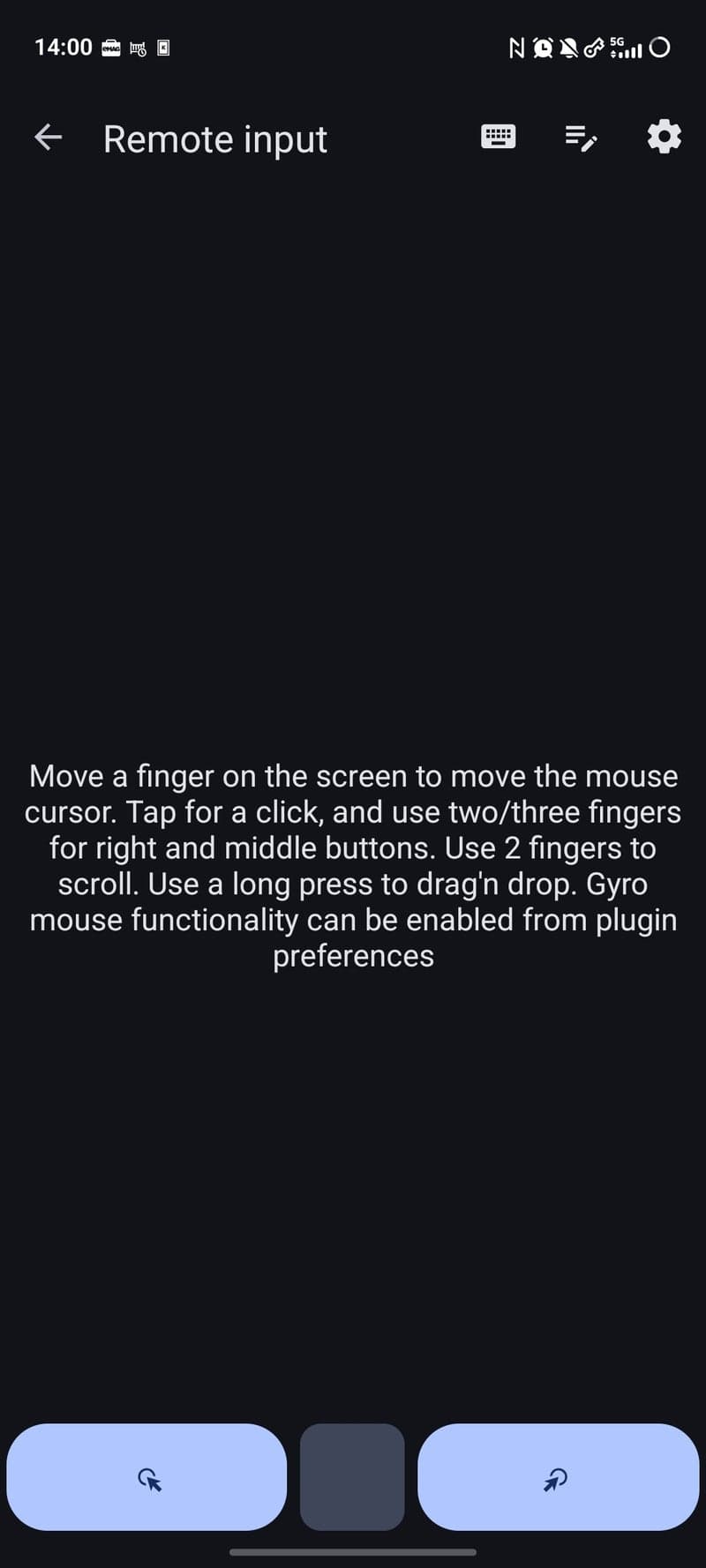
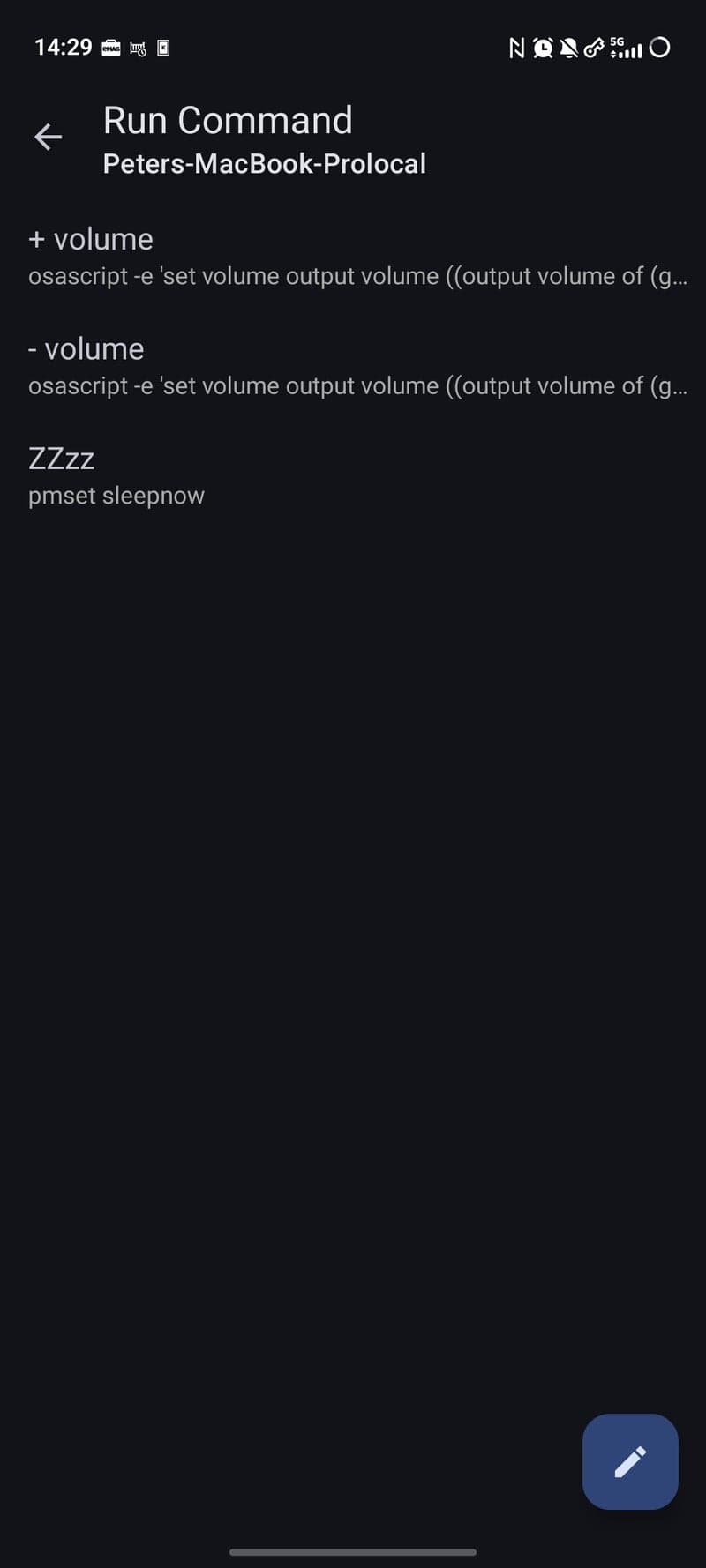
It allows users to easily transfer files, share clipboards, see phone notifications on desktop computers and reply when available, execute custom commands from a phone to a desktop, control a mouse, manage multimedia, and more.
For a MacBook Pro user paired with an Android phone, two useful KDE Connect features are file and clipboard sharing.
The KDE Connect interface is basic, which is a benefit. A simple app that functions well is preferable to sophisticated, ad-filled apps that struggle to perform their primary function.
File sharing between Android and Apple devices used to be difficult, but KDE Connect has become a preferred method.
To share a file, open the KDE Connect app, choose the file, and it appears in the MacBook's Downloads folder. Files, pictures, or videos can also be sent directly from a file manager or gallery app, uncompressed.
KDE Connect also allows users to send a phone's clipboard to a desktop, and vice versa. While it requires slightly more clicks than Apple's Universal Clipboard, it is still useful.
Both devices must be on the same network, typically Wi-Fi. However, Tailscale can maintain a connection between a phone and MacBook by adding the desktop's custom Tailscale IP. Faster mobile data and Wi-Fi speeds are better.
As it is not a native tool, initial setup is required to familiarize oneself with the tool and grant permissions.
Disconnections or unforeseen issues may occur based on device combinations and usage.
However, those comfortable with open-source software, which is often functional despite being less refined, should try KDE Connect.