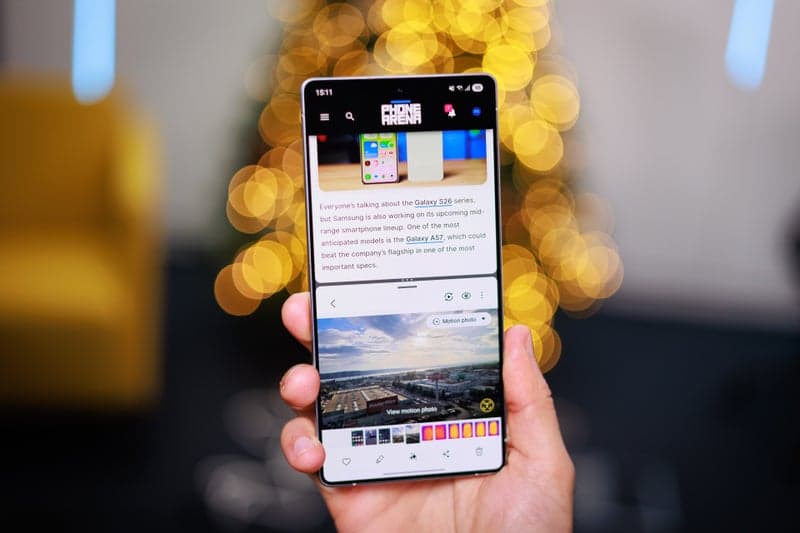
Android's split-screen multitasking, while well-designed, is underutilized by some users.
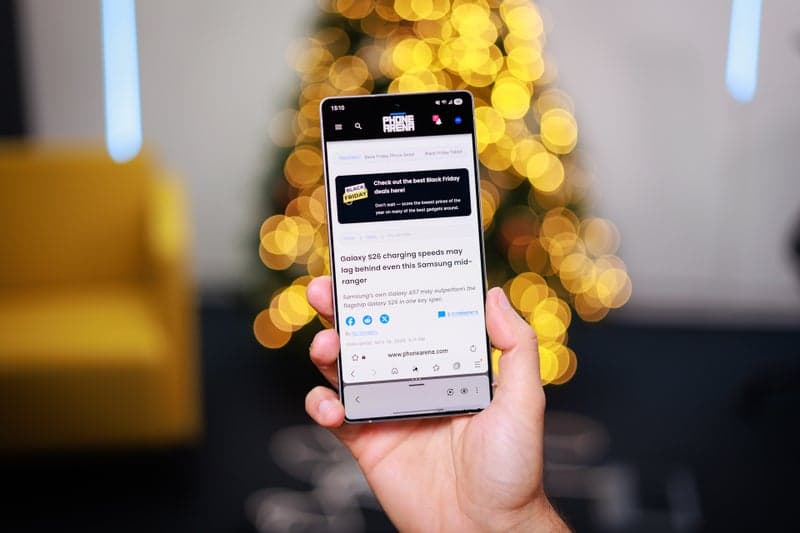
Android is the king of multitasking, but my phone habits just don't aling with that.
Modern phones boast large displays and powerful components, yet they remain mobile devices, generally used in active, distracting settings.
True multitasking demands considerable focus. However, phone use often involves contending with external stimuli. Typically, when reaching for a phone, the user is not stationary but walking, shopping, or passively watching something.
For tasks requiring serious concentration, a laptop is preferable, as it is more conducive to multitasking.
Split-screen use is limited
Samsung and Google often highlight split-screen multitasking using impressive scenarios. They suggest functions like simultaneous document editing, text transfer between apps, or researching while taking notes. But how many people actually do this on a phone, and how often?
The few genuinely practical multitasking uses, like watching videos while performing other tasks or using Maps, are effectively managed with pop-up windows. Android’s 90:10 layout doesn’t provide a significant advantage, often proving a more cumbersome option.
Split-Screen is cumbersome
Split-screen has many steps. Users must open recent apps, tap the app icon, select “Split Screen,” choose the second app, and adjust the ratio.
This cumbersome process is why many overlook its existence. It lacks natural flow and isn’t readily apparent in the interface. Conversely, pop-up windows are simple. When switching to another app, YouTube automatically becomes a pop-up.
Split-screen multitasking is better suited to larger, stationary screens, especially with keyboard shortcuts for quick app switching.
On a standard phone, it feels like forcing two tasks into an inadequate space.
Phones aren't for multitasking
Ultimately, people don’t typically multitask this way on phones. They switch between apps, respond to messages, and then return to other activities or use a larger screen for work.
Phone usage is primarily about switching between tasks.
Android 16’s 90:10 multitasking is impressive and technically advanced. It highlights Android's advantages over iOS and is well-designed in Android 16. While it addresses an issue, it's not a primary concern for mobile phone users.
Although impressive, it may not be widely used.