Google is suggesting Halloween-themed features for Pixel phones.
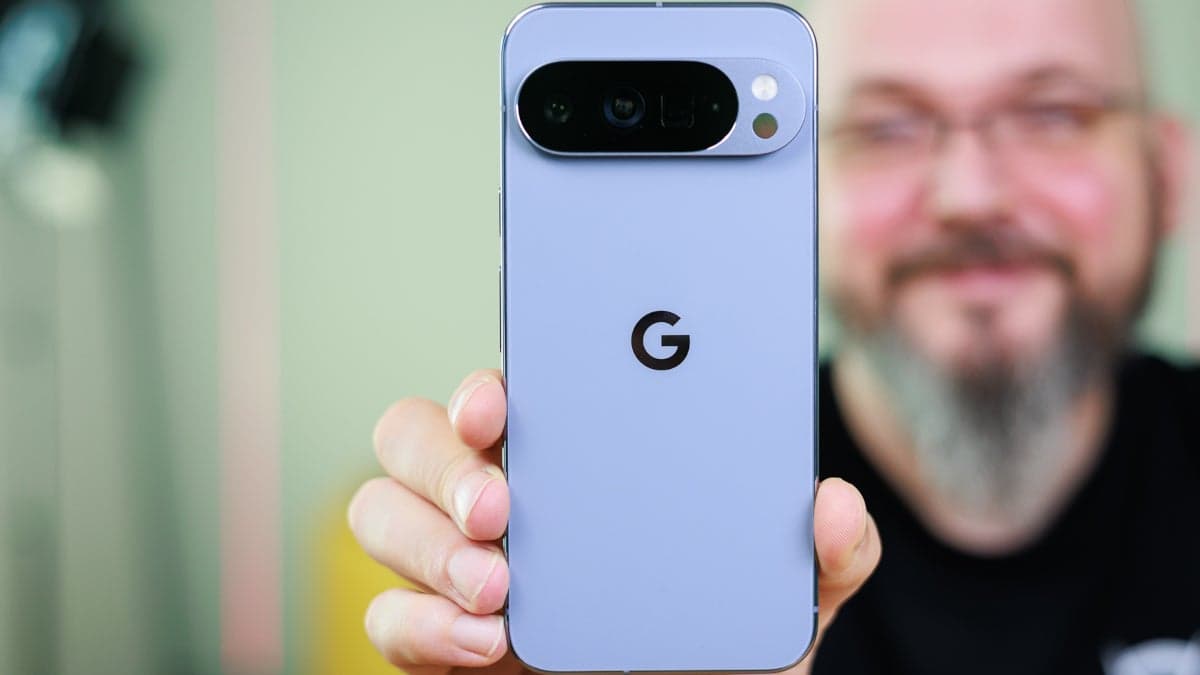
It's that spooky time of year again and some Pixel features fit right in.
Google's blog shared tips from its Chief Scare Officer, Jack O. Lantern.
A primary suggestion involves personalizing your Pixel Watch with a Halloween watch face. In the Pixel Watch application, choose "watch faces" and then "edit." Select the photo watch face and access Google Photos to pick up to 30 images for display. Google recommends using photos from past Halloweens for a nostalgic touch on your wrist.
Celebrations are better shared, so capture group photos during the festivities. The "Add Me" feature, available on the Pixel 9 and Pixel 10, lets you include yourself in a photo after it's taken.
The Pixel 10's Auto Best Take, when taking group photos, analyzes up to 150 frames in moments to find or create the best shot where everyone looks their best.
Another AI feature on the Pixel 10 series, the Camera Coach, guides you through taking a photo to achieve your desired results. For a spooky Halloween photo, the Camera Coach can offer specific recommendations.
Pixel phones' AI allows for simple text commands to add elements like pumpkins or costumes to photos. You can transform someone into a witch or warlock simply by telling your Pixel what to add, such as a pointed hat and broom.
The updated Recorder app lets you add background music to recordings, making it easy to create a spooky Halloween atmosphere. Google suggests using the "angry" or "sad" vibe. Select your recording, then tap "Create music" and pick from the featured vibes or create your own.
As the days grow shorter, use the Pixel Sunrise Alarm to adjust to the darkness. This feature gradually brightens the screen 15 minutes before your alarm. Access this in the Bedtime settings of the Pixel Clock app.
To set the Sunrise Alarm, open the Pixel Clock app, tap "Bedtime," and create a schedule if needed. Enable all toggles, and then tap the open dot next to the Sunrise Alarm listing.
With Halloween approaching, Pixel owners can utilize their devices to enhance the spooky season.
In other news, a project called "Iconic Phones: Revolution at Your Fingertips" will be released in a few months.
This coffee table book will explore the technological innovations of the 21st century.
Travel Easy with Nomad eSIM – 25% Off
Data-only plans & global coverage - enter code IPHONE25 or sign up to receive the discount automatically
We may earn a commission if you make a purchase
Check Out The Offer
Travel Easy with Nomad eSIM – 25% Off
Data-only plans & global coverage - enter code IPHONE25 or sign up to receive the discount automatically
We may earn a commission if you make a purchase
Check Out The Offer
Data-only plans & global coverage - enter code IPHONE25 or sign up to receive the discount automatically
We may earn a commission if you make a purchase
Data-only plans & global coverage - enter code IPHONE25 or sign up to receive the discount automatically
We may earn a commission if you make a purchase