Google Maps has several customization options that can improve the user experience.
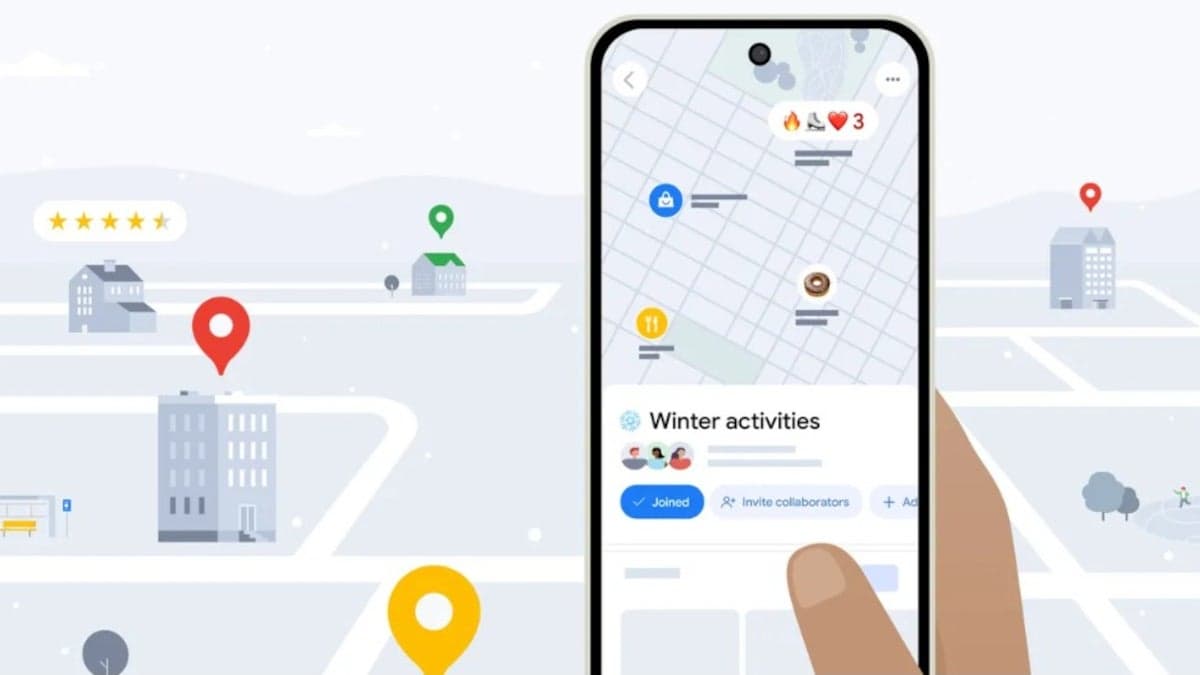
You can choose your ETA, use emoji to title a note, and make your own itinerary using custom Google Maps features.
Google has revealed eight customization options for Google Maps. The app is available for download on both the App Store for iPhones and the Google Play Store for Android devices. Google states that Maps is useful for both navigation and discovering new places. Users can choose to avoid routes that include tolls and highways, with these changes becoming easier to make once Gemini is integrated.
Users can also add emojis to the titles of saved lists in Google Maps. To do so, create a new list and select "Choose icon." Search for a place to add to the list, tap "Save," create a name for the list, add an emoji, and tap "Create."
Google Maps can also identify places from screenshots and save them to a custom list, acting as a custom itinerary creator. To use this feature, go to the You tab and tap the "Try it out!" badge in the Screenshots list. Grant Google Maps access to your photos when prompted, or manually upload screenshots. If Google Maps recognizes a location in a screenshot, it will prompt you to review and save the image to your list. Saved locations will then appear on your map and in the You tab.
Knowing when to leave for appointments is also made easier with the ability to set home and work addresses. Customize the icons for these locations by selecting Home or Work, tapping the three-dot menu, and then "Change Icon." To set this up, open Google Maps, tap your profile icon, and go to Settings > Edit home or work.
Google Maps can also help users set a desired arrival time or determine the optimal departure time. To use this, search for a destination, tap "Directions," then tap the three-dot menu next to "Your location." Select "Set depart or arrive time" and use the wheel to select your preferred time, and then tap "Done."
Users can also find restaurants and coffee shops using the Google Maps search bar. Filters are available to narrow results by cuisine and whether they are currently open. The Price button allows users to find places that charge between $1 and $100 per person.
Google Maps also lets you change the default blue vehicle avatar and provides route hints on the lockscreen. While ensuring users arrive safely and on time, Google Maps also allows for personal customization.
Additionally, "Iconic Phones: Revolution at Your Fingertips," a book about the technological revolution of the 21st century, is set to be released soon.
Finally, here's an offer for Nomad eSIM, providing data-only plans and global coverage with 30% off using code IPHONEARENA30.