Google Messages will soon have a better way to verify contacts.
Hint: it’s a lot easier than reading out a wall of numbers.
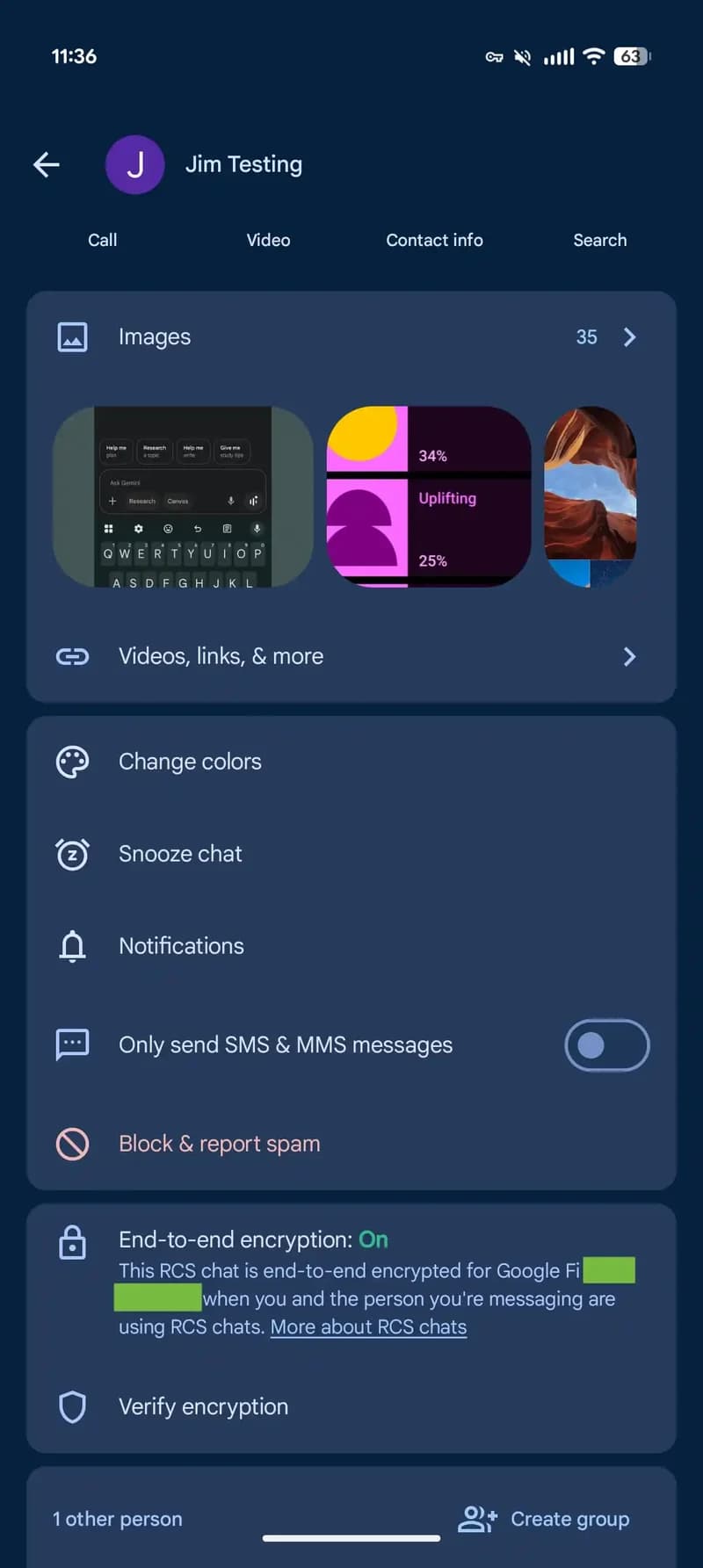
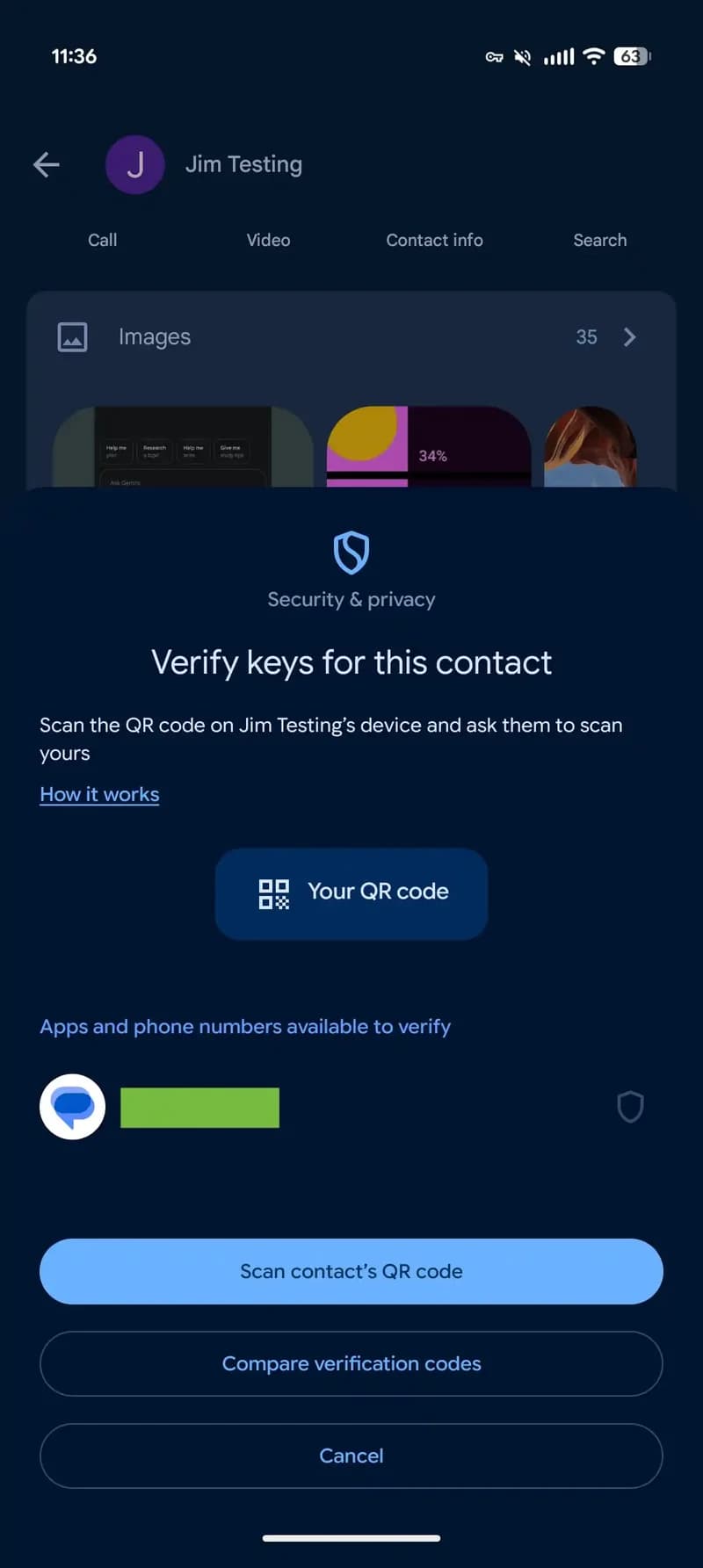
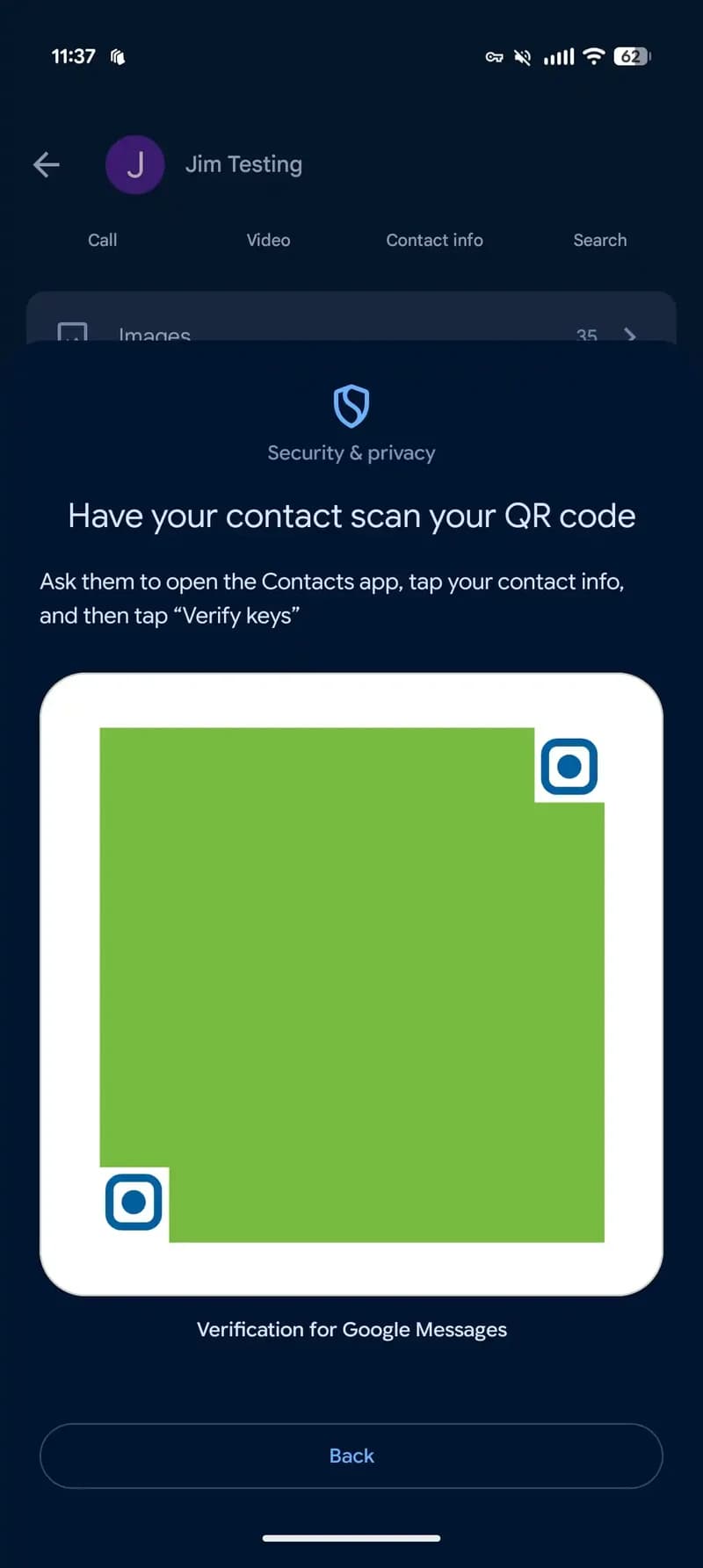
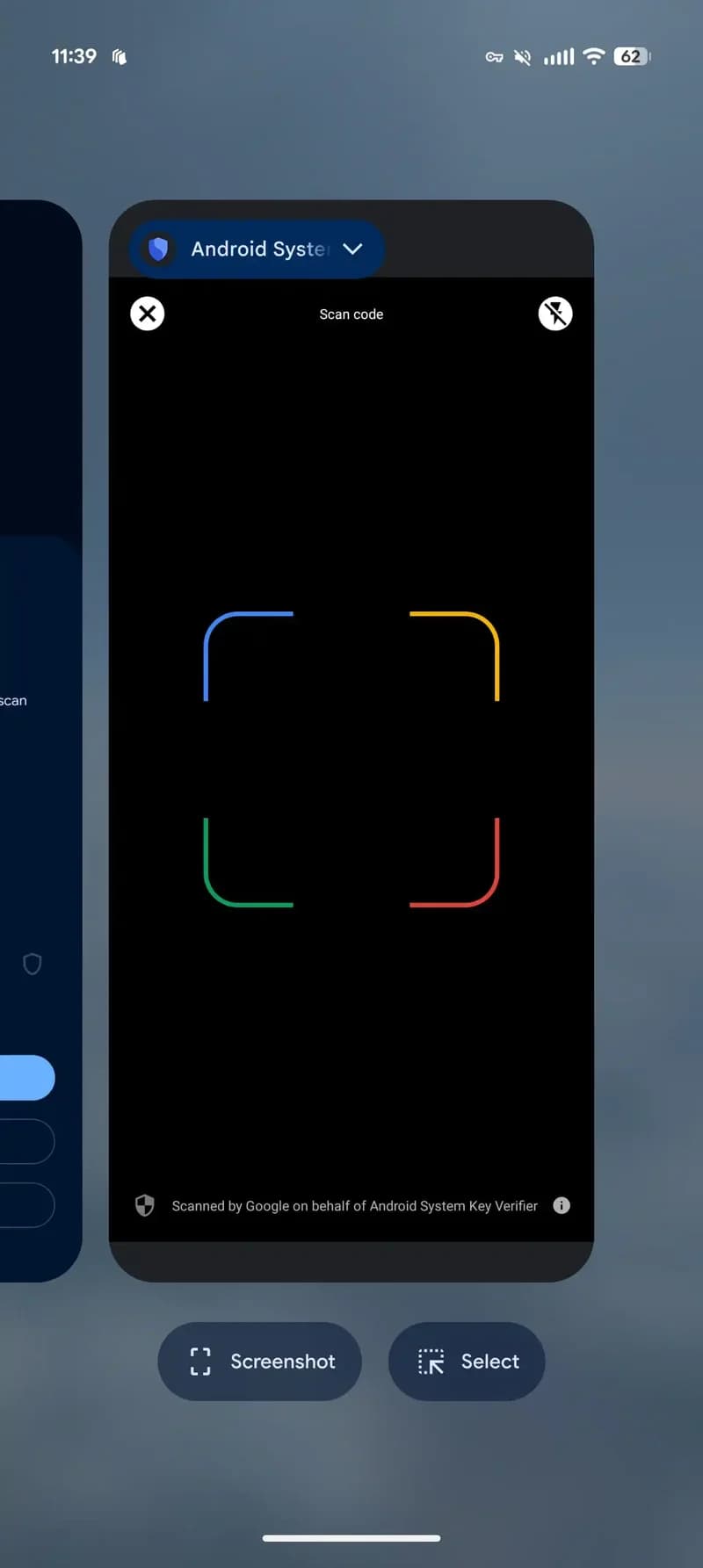
Google Messages is introducing key verification using QR codes. The process involves scanning your contact's QR code and having them scan yours. Verification statuses can be viewed in the "Connected apps" area of Google Contacts, though that is not yet implemented. The "Scan contact's QR code" option is present in the Messages sheet, utilizing the Android System Key Verification app.
The option to "Compare verification codes" is still available for those who prefer the existing 80-digit code method.
Currently, the QR code feature is in the Google Messages beta and not yet in the stable version. Google has stated that QR code key verification will be available in 2025 for Android 9 and later as part of its "unified system for public key verification." Third-party apps will also be able to use the system later.
The QR code method offers a more convenient alternative to reading or comparing lengthy 80-digit codes, as scanning is quicker and easier.
In related news, "Iconic Phones: Revolution at Your Fingertips," a coffee table book, will be released in the coming months. The book aims to take tech enthusiasts through the technological advancements of the 21st century.