Google Photos will soon offer TikTok-like video templates.
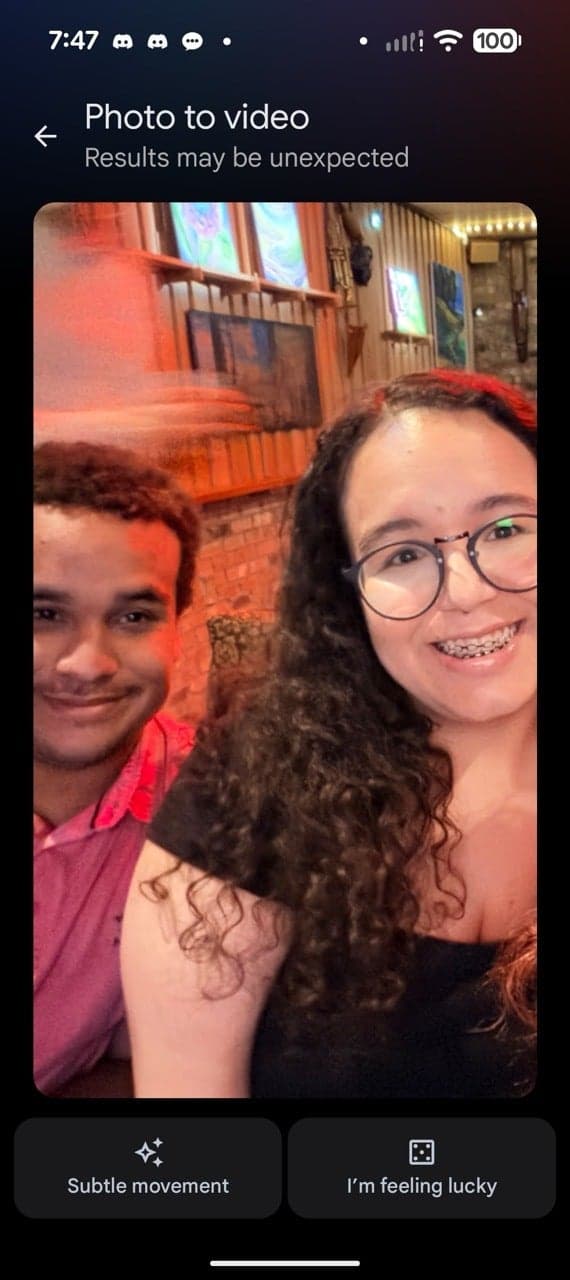
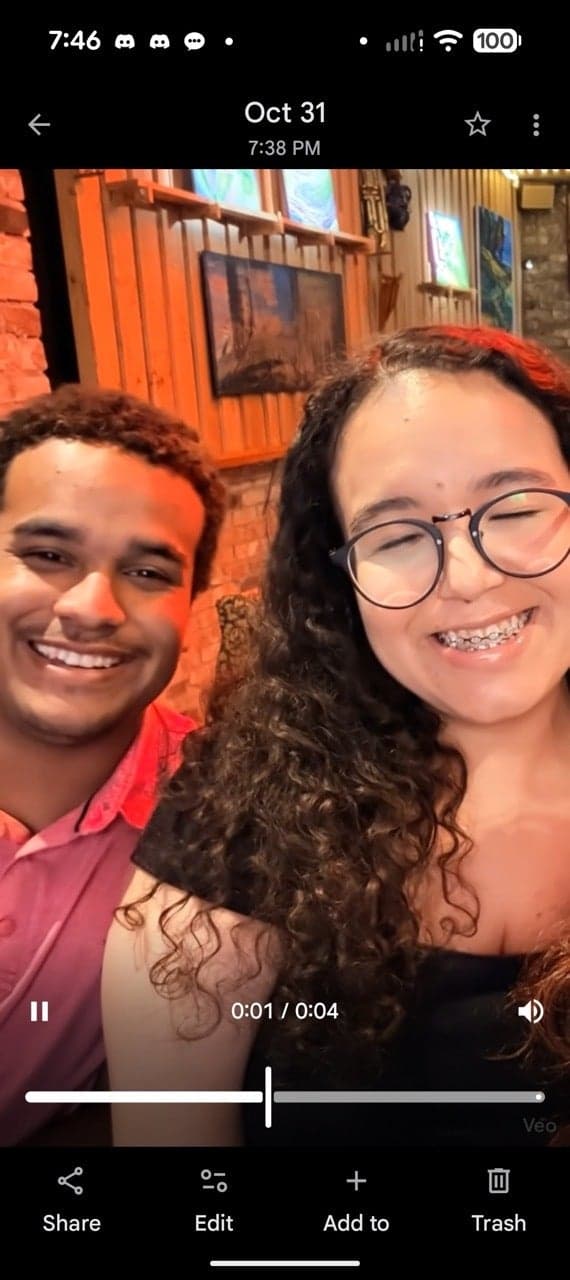
New 'Highlight video' options will automatically create trendy videos from your existing pictures.
Google is working to streamline video creation in the Photos app and add more current styles. New video editing templates are being added to the app, designed to simplify the creation of easily shared short videos.
The new templates expand on the "Highlight video" tool introduced in 2023. According to Google, the templates come ready-made with necessary components: cuts synchronized to the rhythm of provided music, and spaces for incorporating text overlays. The objective is to make creating refined, shareable video content easier and require less manual effort.
The feature may not be available to all users immediately; many are still seeing the original Highlight video tool. However, Google has provided details on how it functions on a support page.
To use the feature:
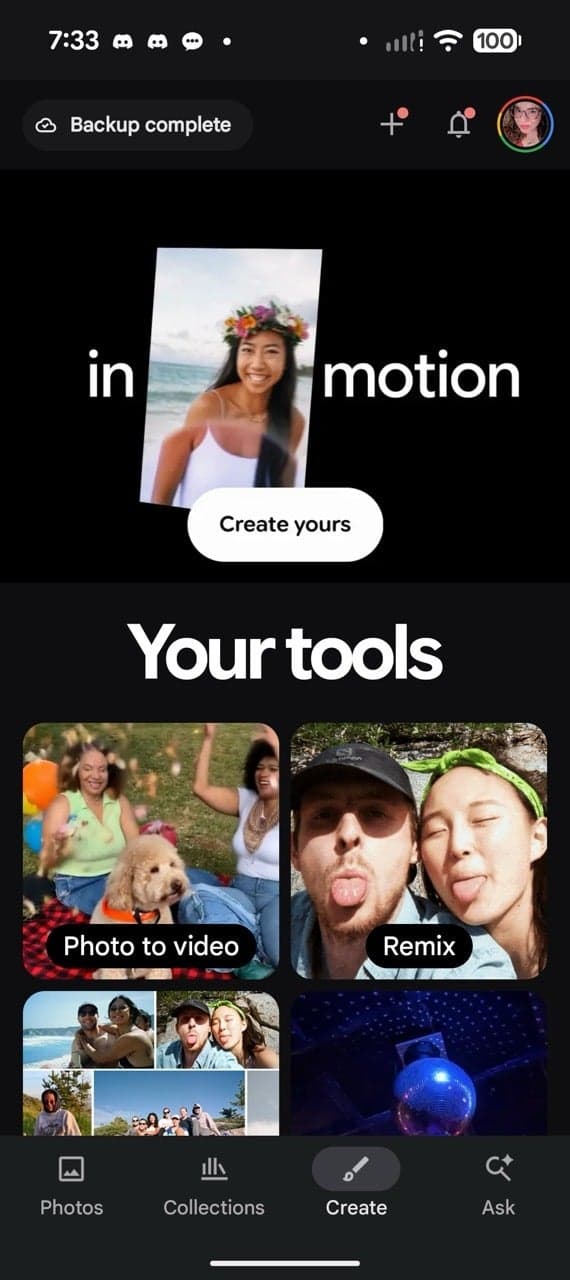
Open the Google Photos app and select Create > Highlight video.
Look through the available templates and select Use template.
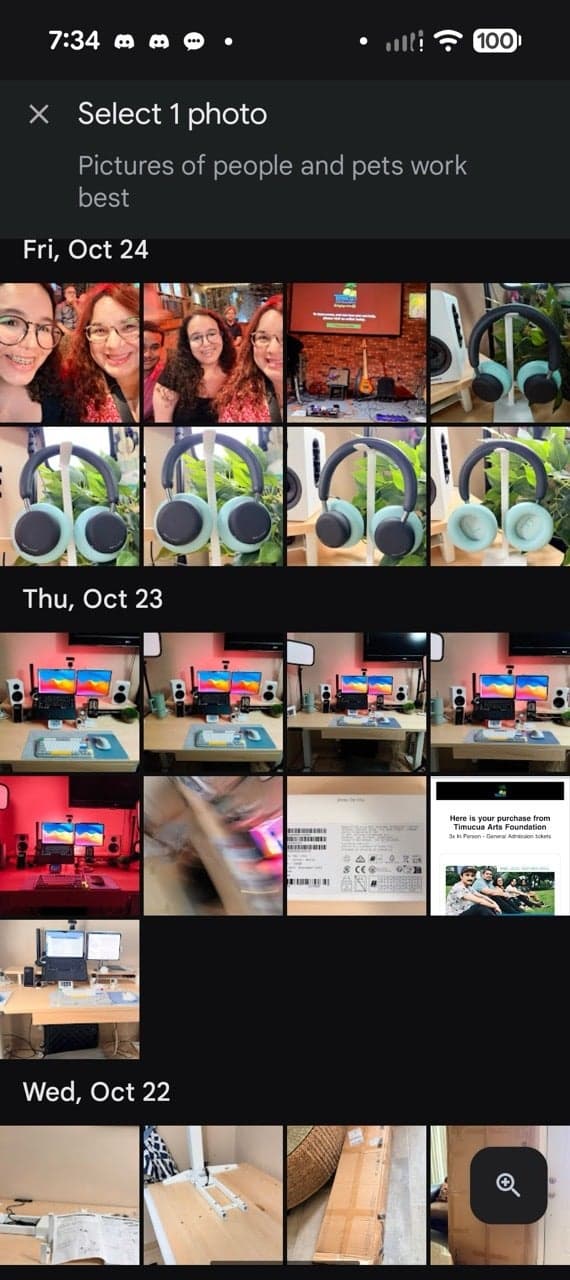
Choose your photos and videos manually, or use the Help me select feature with Search or suggestions (people, places, dates).
Select Next to generate the video.
From there, the video can be reviewed, and clips/music/text customized, before selecting Save.
Google Photos faces ongoing competition from apps such as Instagram (Reels), TikTok, and CapCut, which are designed for quick, fashionable video creation. Although Photos excels in storage and search capabilities, its creative tools have often seemed more practical than enjoyable.
These templates represent Google's effort to remain competitive. By automating the most labor-intensive part of video editing—synchronizing clips to music—Google aims to appeal to casual users who want to post visually appealing summaries of events without needing to learn complicated software. This is intended for users who desire a "Reel" aesthetic without leaving the app where their photos and videos are stored.
The original "Highlight video" creator is useful, but rather simple, often resembling a slideshow accompanied by music. Beat-matching and stylized text distinguish a basic "memory" from a video that viewers may want to share on social media.
The feature is currently available for some users and could be ideal for quickly creating videos to share. It is clearly targeted at users who are intimidated by specialized editors yet still want professional results.