Google updated the voice and song search interface, removing the face icon.
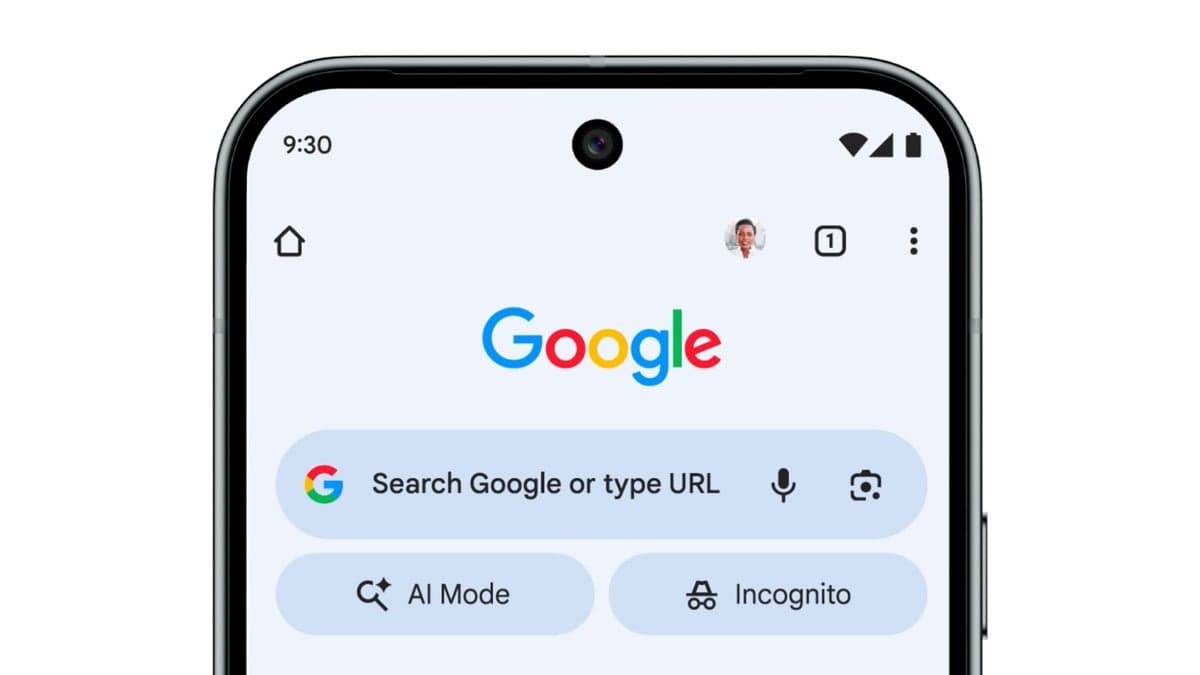
Google updates the look of its voice search and song search for the AI era.
Although using AI as a tool is impressive, activating Gemini on a Pixel phone still requires saying, "Hey Google." It would be more intuitive and promote Gemini better if users could say, "Hey Gemini" or "Hello Gemini" instead. Those who still use Google Assistant may not fully appreciate the capabilities of AI.
Currently, Android users with questions must type them into the Google Search bar within the Google app, Pixel launcher, or search results. This can be cumbersome for lengthy queries. Additionally, while users can hum a song to identify it, typing out the sounds is impractical. One person attempted to find "My Sharona" by typing "Ditdaditdaditdit ditdit ditadadaditdit Dadadadaditdit My Sharona."
Voice search is a more effective method for long questions or humming a tune. Tapping the microphone icon in the search bar displays four dots in Google's colors that transform into vertical lines, accompanied by the word "Listening" above an animated face. Voice search results are spoken and displayed on the search results page. Many users are glad Google is removing the moving face.
To identify a song, tapping the microphone icon and then "Search a song" opens a page featuring a moving ball of dots in Google's colors. Google has redesigned this interface. Now, tapping the microphone in the Google Search bar leads to a page with the Google "G" logo and the question "What's on your mind?" An arc appears at the bottom. Users can ask their question and listen for the answer.
The "Search a song" shortcut opens the redesigned UI. Instead of a ball of dots, the new UI presents the instructions "Play, Sing, Hum" stacked vertically. Performing one of these actions helps identify a song stuck in your head.
The new UI's rollout has been limited; it is not on a Pixel 6 Pro running the latest Android 16 QPR2 beta. Because some Android users have received the update while others have not, Google may be gathering feedback before a wider release.
Google introduced voice search on Android in November 2008 with Android 1.1. It was part of the Google Search widget on "Google Experience" phones, which ran a clean version of Android directly from Google. The Nexus One, designed by HTC and developed by Google, was the first official Google Experience phone.