Google Wallet will offer a more personalized experience across Google services if you enable certain settings.
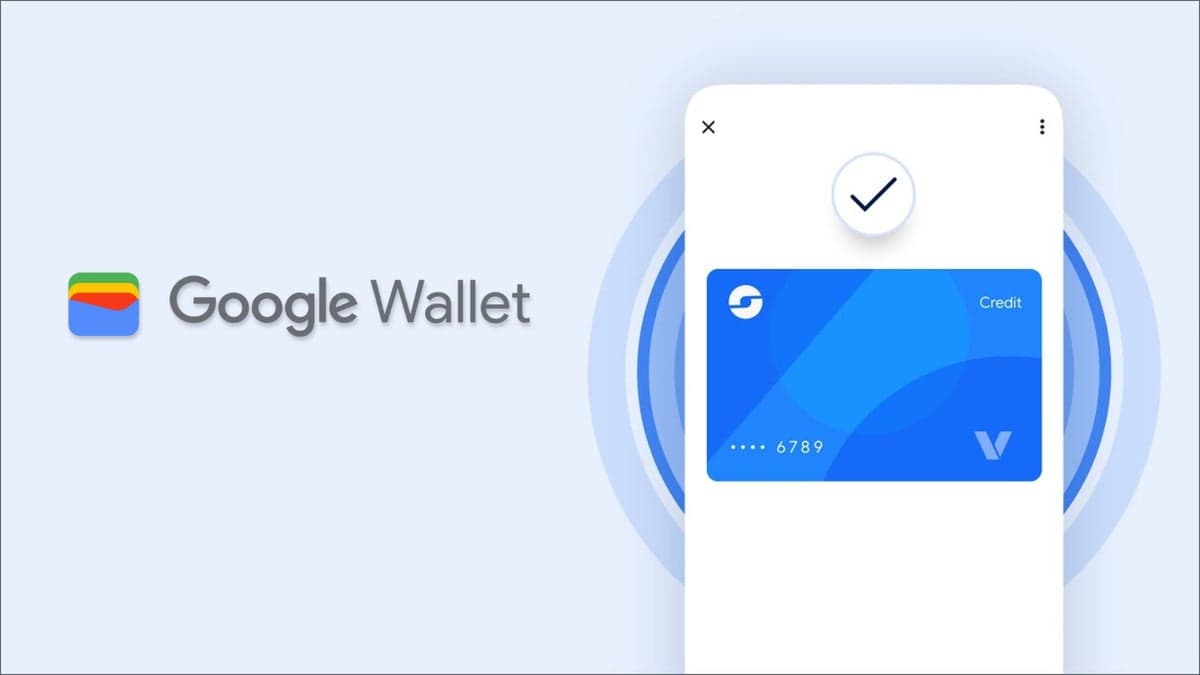
Get deals and personalized ads you might be interested in when you enable certain settings on Google Wallet.
Google Wallet is reportedly receiving updates, including a "Transit Card" feature for contactless public transport payments without unlocking your device.
Google is also introducing new data and privacy settings to the Wallet app in the U.S., allowing users to manage data for personalized Google experiences. By enabling these settings, users may see tailored recommendations or deals based on their loyalty cards.
Wallet can now use purchase history and loyalty card information to provide personalized ads and special offers. Users can disable these settings if they prefer not to share this data.
To adjust the settings on your phone, open Google Wallet, tap the profile icon, then "Your data in Wallet" > "Manage data from Wallet and payments services," and toggle "Use Wallet to personalize experiences across Google."
On a computer, visit wallet.google.com, select "Settings" on the left, and under "Data & Privacy," adjust the "Use Wallet to personalize experiences across Google" setting.
Enabling "Wallet History" allows Google to use Wallet data to deliver customized ads. To enable this in the app, tap the profile icon, then "Your data in Wallet" > "Manage data from Wallet and payments services," and select "Use Wallet to personalize Google Ads," which redirects to My Ad Center.
To adjust this setting on a computer, go to wallet.google.com, choose "Settings" on the left, and under "Data & Privacy," select "Use Wallet to personalize Google Ads," which will redirect you to My Ad Center.
With these settings enabled, Google may utilize purchases, loyalty cards, tickets, and boarding passes to personalize services with tailored ads, promotions, and recommendations. For instance, Wallet may analyze stored passes to determine your preferred airline.
If these settings are not yet visible in your app, note that Google is gradually rolling out the update. A notification will appear in the Google Wallet app once the settings are available.