More and more earbuds come with touchscreen cases, but after testing a bunch of them, I'm still not convinced it's the future — do you really get the best value this way?
A growing number of wireless earbuds now ship with touchscreen charging cases that promise quick access to battery, EQ, noise cancellation, and playback controls.
After testing several, the reviewer remains unconvinced: the displays add cost and bulk to the case and often duplicate what an app already does, without enough payoff to justify the price.
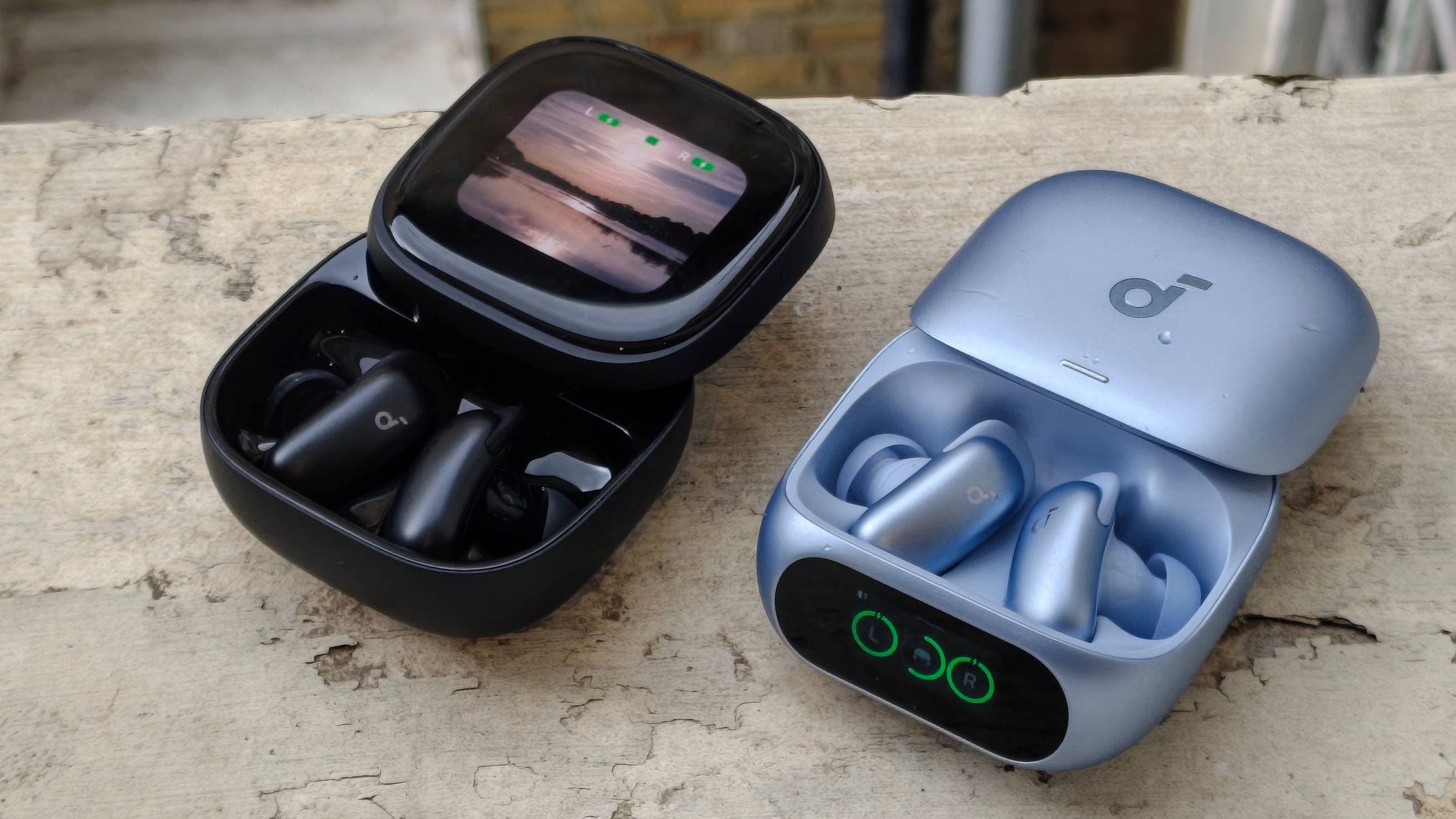
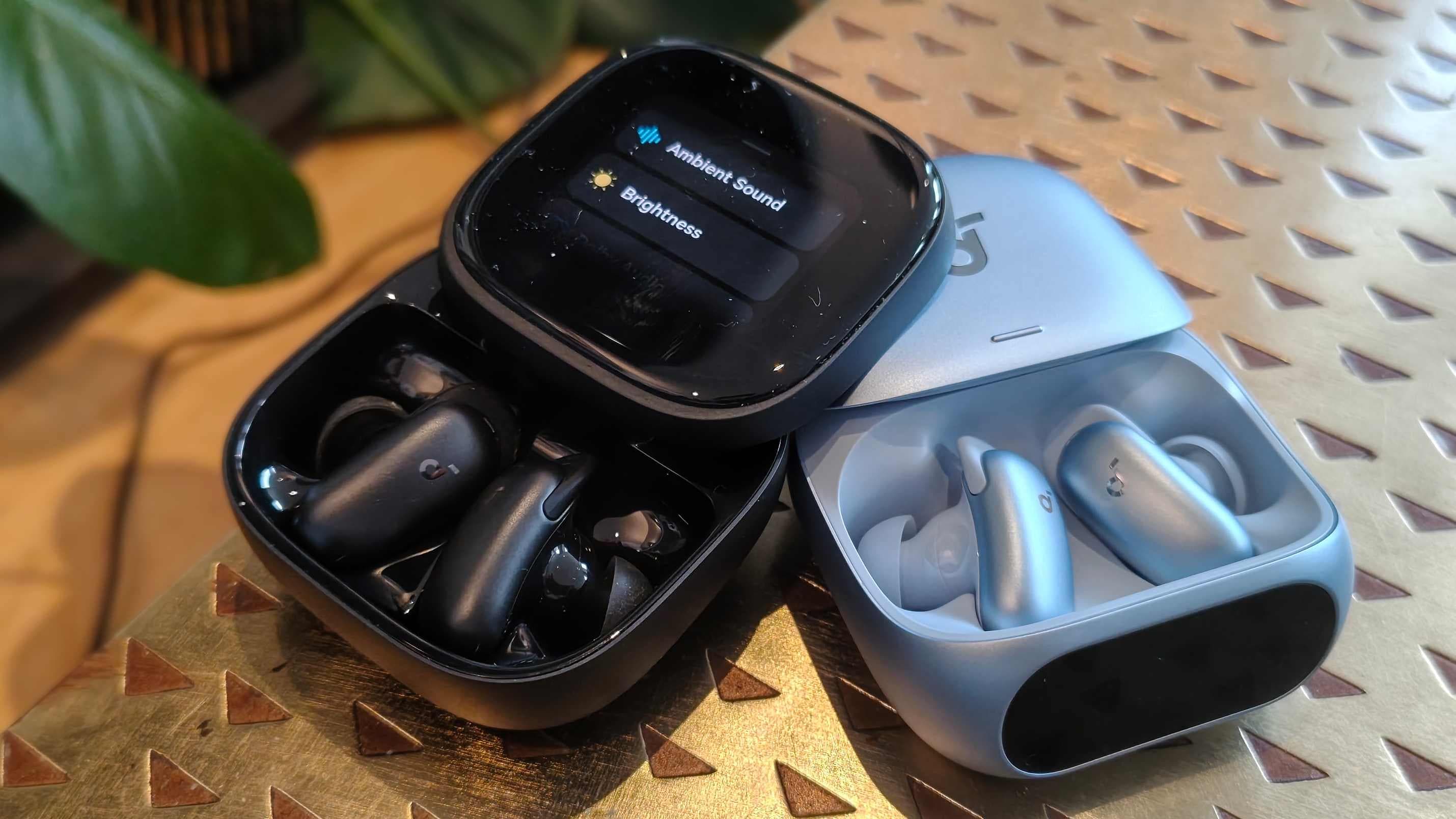
When you purchase through links on our site, we may earn an affiliate commission. Here’s how it works. An increasing number of wireless earbuds are landing in my inbox Most recently, I tested Anker's feature-packed Soundcore Liberty 5 Pro series, which offer two different kinds of screen, but they're just the most recent.
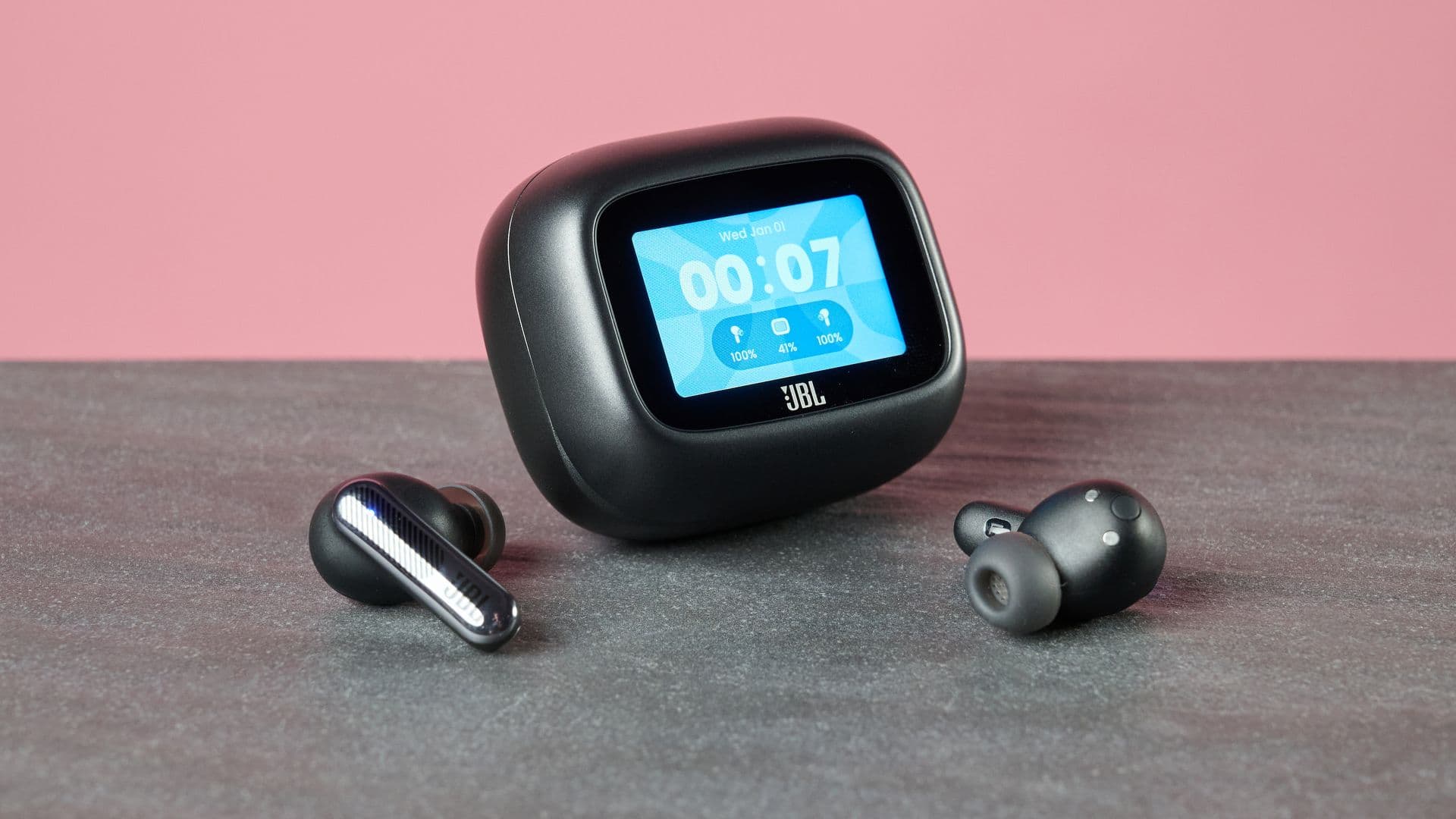
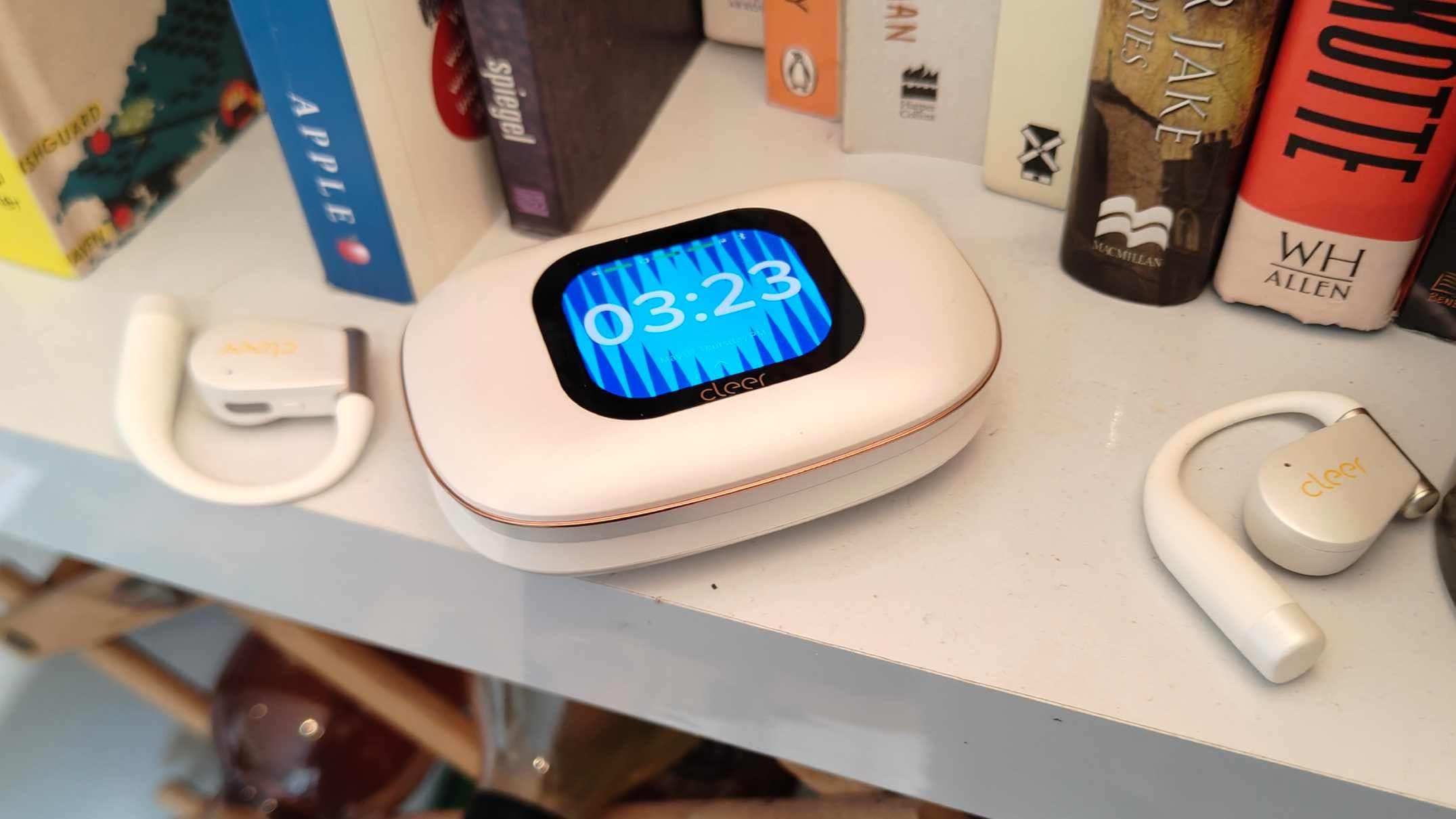
Earlier in the month, the JBL Live range was refreshed with plenty of screens, and I recently tested the open-ear Cleer Arc 5, which you can see at the top of this article complete with a sizeable display. What's the point of these screens? Well, it varies by bud, but generally the premise is the same.
The display lets you glean some instant information about your buds: battery life, noise cancellation status, volume, but also change features like EQ preset, Bluetooth codec, what you're song you're listening to, and so on. This is all potentially useful, if the buds let you avoid using your smartphone and an app to change these features. That's all in theory, but in practice, it's not so.
Displays in earbuds generally bump up the price of the gadget, increase the case's footprint, and increase the risk of accidental pressing when you put the case in your pocket. So they really need to justify themselves, and I'm not sure they are right now. When I find an EQ preset I like, I generally stick to it, rarely changing.
That's also true about other earbud settings; if I'm on anything but the highest ANC setting, someone should check me for a concussion. So I don't need a carry case that lets me change these settings, because I rarely do. And when I do, I don't mind booting up the app; I need to justify downloading it in the first place, and changing EQ is much easier on the larger screen.
In theory, the music and volume controls of an earbud case are more useful, as these are things everyone uses. But on-bud touch controls exist It doesn't help that, from my experience, charging case screens aren't hugely reliable. They remind me of cheap smartwatches and fitness trackers from years ago: they often need multiple taps, and seemingly some vocal coercing (well, I think it helps), to do anything.
My phone isn't like that. I'm not going to make a blank ruling on earbud cases; in some situations they work. Take Soundcore's Liberty 5 Pro series.
In the base model, That's where I see earbud charging case displays finding their niche: by offering features and functions to act as the earbuds' unique selling points, as an accessory that's useful to have separately to your phone. This would generally be in top-end or professional-targeted buds, like how the Pro Max is ostensibly designed for business buyers. But not every pair of the best earbuds needs a little LCD or OLED screen on the charging case.
At the moment, it feels like they're becoming more prominent as a fad, but I think most us would rather just pay less or see that money go into battery innovations or other improvements — I only see them sticking around if makers find a way to justify them. ➡️ Read our full guide to the best earbuds 1. Best overall: Technics EAH-AZ100 2. Best mid-range: Cambridge Audio A100 3.
Best budget: Nothing Ear (a) 4. Best for noise-cancelling: Bose QuietComfort Earbuds Ultra 2nd Gen You must confirm your public display name before commenting Please logout and then login again, you will then be prompted to enter your display name.