Samsung DeX is getting mixed reviews, with some fans unhappy about recent changes, despite its overall positive reception.
All of a sudden, Samsung DeX can't remember window sizes and positions. It does have wider support for resolutions, though.
Samsung's DeX desktop mode experienced a significant change with Android 16 and One UI 8, which has disappointed some users.
Samsung chose to align the DeX system with Google's developing Android Desktop Mode. This unification involved removing or downgrading some existing DeX features. The company expects that this architectural change will speed up future DeX updates and improvements, as it will be based on Google's ongoing releases.
However, this change means that current DeX users on Android 16 and One UI 8 are experiencing a less effective version compared to the previous one.
The classic DeX on the Galaxy Fold 6 worked very well, offering a near-desktop experience with familiar keyboard shortcuts.
After updating to Android 16 and One UI 8, the Fold 6 received the updated DeX software, which was already available on the Fold 7 and Galaxy S25 series. While Samsung has addressed some initial issues, the new DeX still needs considerable improvement to match the level of the previous version.
A major issue is that the new DeX does not save window sizes and positions. Apps now open in small windows in the center of the screen each time, which is quite inconvenient.
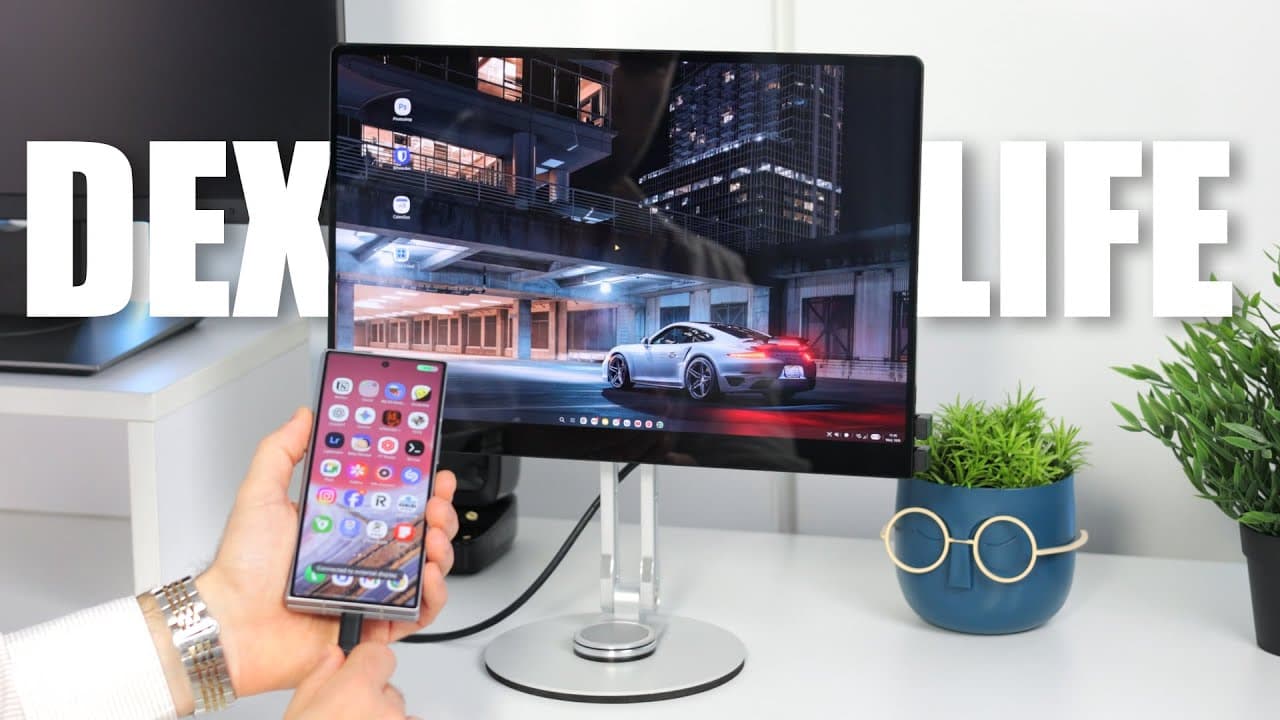
Another problem is that certain UI elements do not scale properly at higher resolutions. When using a 3K or 4K screen, increasing the scaling affects opened apps, but the taskbar, app menu, and notifications pane remain tiny. This scaling problem is an obvious bug.
The UPerfect UColor O2, a 16" OLED screen with 3K resolution, a 16:10 aspect ratio, and a 120 Hz refresh rate, offers excellent image quality. While DeX is usable and looks good overall, some elements appear too small. Samsung will likely address this issue in the future.
On the positive side, the updated Samsung DeX now supports more resolutions and aspect ratios. However, DeX users are still waiting for high refresh rate support, as Samsung limits it to 60 Hz, despite allowing high resolutions.
Despite these issues, DeX remains a valuable feature that expands the capabilities of Galaxy phones. Google's planned standard Desktop Mode for Android should help make this functionality more accessible.
Using Samsung DeX for work over a few weeks presented few significant challenges. While specialized software might require Windows or Mac, many users whose work is browser-based or involves simple tasks should have no problem using only their phone.
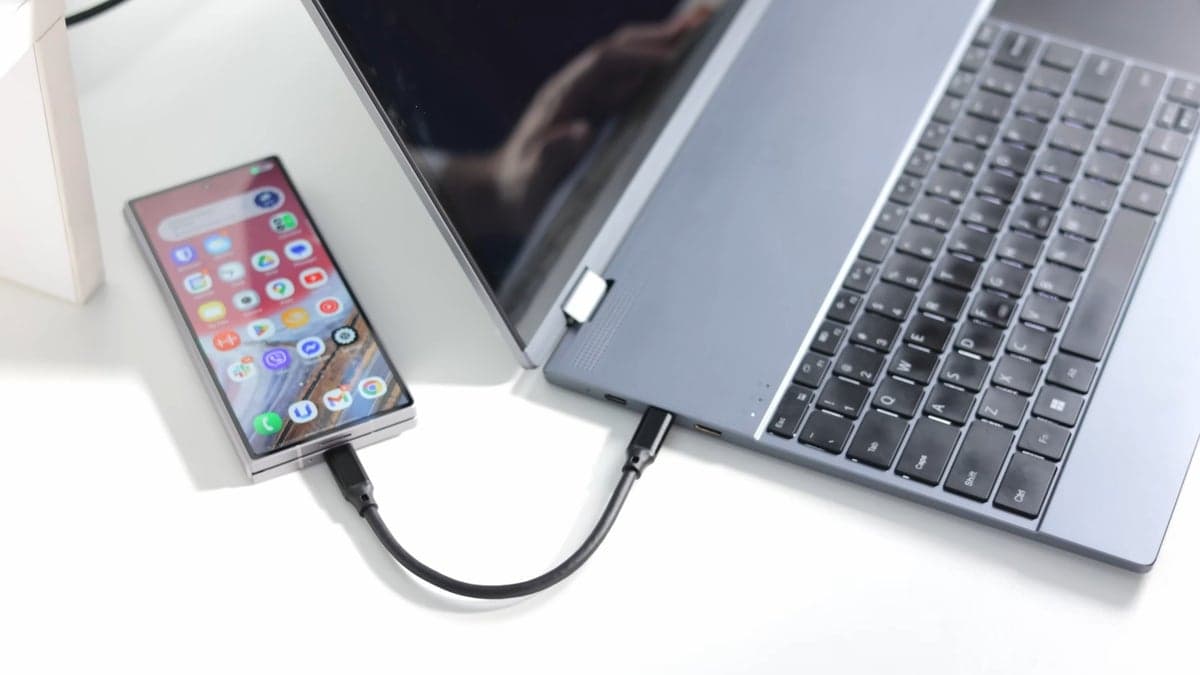
Samsung DeX combined with a lapdock like the UPerfect UDock X 15.6 Pro allowed simultaneous movie streaming to a TV, desktop interface access, email writing, and website browsing on the lapdock.
Despite the current setback, the outlook for DeX and mobile desktop mode is positive.
Check out the UPerfect UDock X 15.6 Pro here!
Use these discount codes for purchases from UPerfect’s store:
RadSlavov50 - $50 off orders above $300
RadSlavov60 - $60 off orders above $400
Travel Easy with Nomad eSIM – 30% Off
Data-only plans & global coverage – use code IPHONEARENA30
We may earn a commission if you make a purchase
Check Out The Offer
Travel Easy with Nomad eSIM – 30% Off
Data-only plans & global coverage – use code IPHONEARENA30
We may earn a commission if you make a purchase
Check Out The Offer
Data-only plans & global coverage – use code IPHONEARENA30
We may earn a commission if you make a purchase
Data-only plans & global coverage – use code IPHONEARENA30
We may earn a commission if you make a purchase