Some iPhone users are already looking for ways to downgrade from iOS 26.
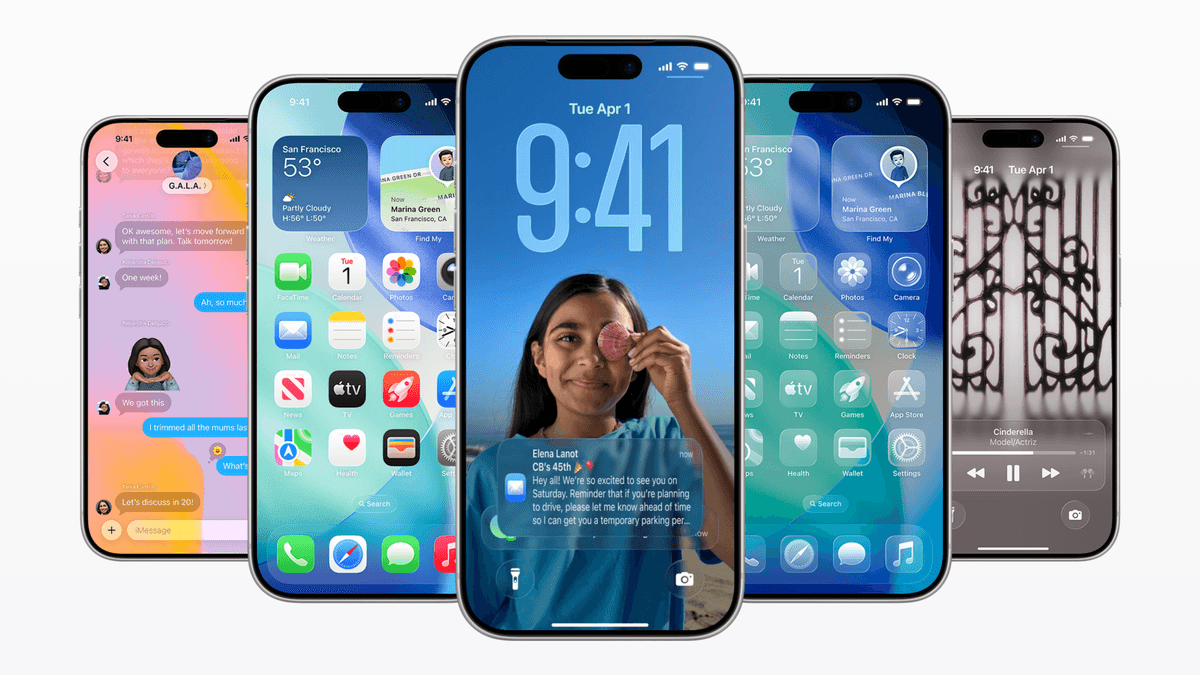
Searches for iOS downgrade methods spiked 572% after the update launched.
After the release of iOS 26, many iPhone users are looking to downgrade their devices. Data shows that searches such as "how to downgrade iOS 26 to 18" increased by 572% compared to the previous week, and general searches related to downgrading rose by 335%.
The increase in searches for downgrade methods occurred after the update's release. The rise is partially due to the fact that no one needed to search for this before iOS 26 was available. However, the search numbers are significant, and other data show similar trends.
Google Trends confirms this, showing a large increase in downgrade-related searches immediately after the update. However, Apple no longer supports downgrading, as iOS 18.6.2 is no longer signed, preventing users from reverting to it after updating to iOS 26.
Despite this, many users are still trying to downgrade. Apple promoted iOS 26 as a major update with a new UI and AI-powered Siri, but some users have reported bugs, rapid battery drain, and app instability. My own iPhone battery now requires two charges per day, which is quite inconvenient. Hopefully, Apple will address these issues in a future patch.
The desire to undo an update suggests that the launch had issues. New OS releases from Apple, Google, and Samsung often have bugs that require weeks to resolve. It's frustrating when a phone performs worse after an update that was supposed to improve it.
Unless having the latest update is essential for your daily tasks, waiting is generally safer. Apple will likely release updates to fix these problems. However, the Liquid Glass design is here to stay as the new direction. Consider iOS 26 a preliminary version of what Apple aims to achieve in the next release.
I have mixed feelings about iOS 26. I dislike certain aspects, such as Safari's complex new interface. Closing tabs is more difficult, causing me to switch browsers.
However, the new Preview app is excellent for quick work on my phone, and some Liquid Glass elements look fresh. While the update has issues, many users who regret upgrading may appreciate the changes over time.
"Iconic Phones: Revolution at Your Fingertips" is a coffee table book for phone enthusiasts, covering over 20 popular phones and exploring the technological changes that have transformed our lives. Sign up now for an early discount.