The next iOS update has a new "Liquid Glass" feature that some users may find annoying.
Apple's new transparent design has its moments, but knowing you can never go back changes everything.
When users seek information, many turn to Google first. Currently, numerous searches are being conducted to find methods of downgrading from iOS 26 to iOS 18.
Unfortunately, there is no way to revert back to a previous version once the update is complete. If you have not yet updated, consider evaluating whether iOS 26 is worth installing.
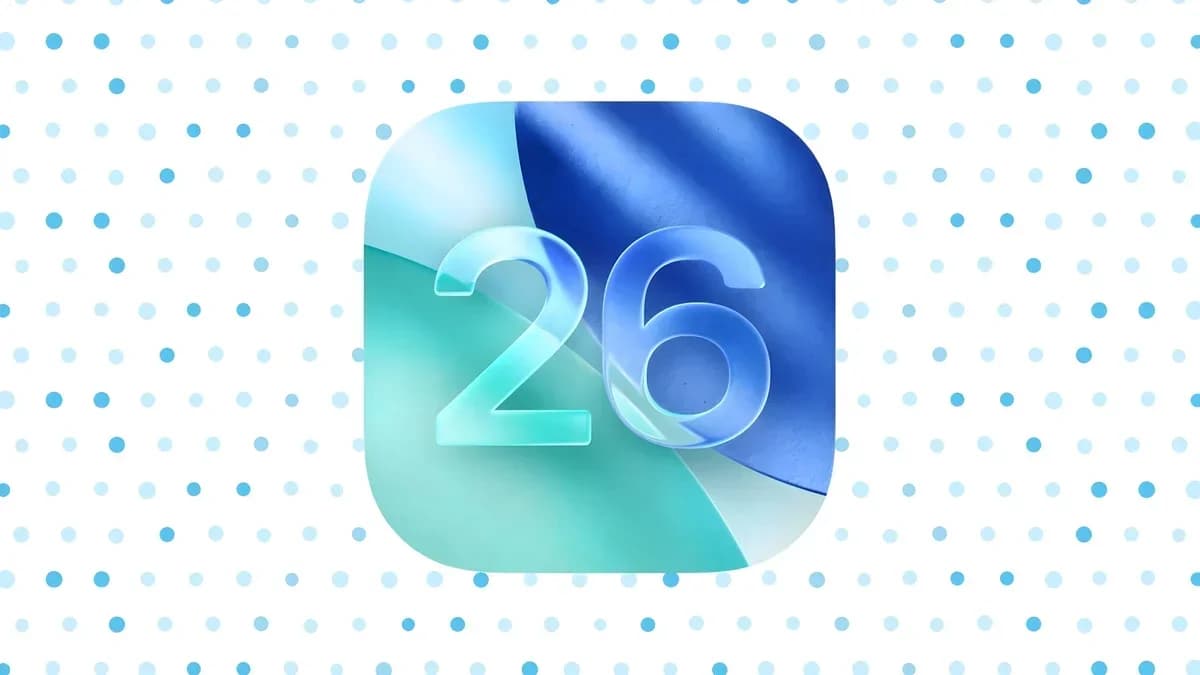
Apple skipped several versions, moving from iOS 18 to iOS 26.
Those who have been away from Apple products may be surprised to see the update prompt for iOS 26 on their iPhone (iPhone 11 or later). The company chose to synchronize its naming conventions across its platforms.
The new naming system includes iOS 26, iPadOS 26, watchOS 26, macOS 26, and visionOS 26, creating uniformity. Apple adopted a year-based naming system with iOS 26 covering the 2025-2026 period, which allows users to identify the latest OS version easily.
After using iOS 26 and iPadOS 26 for a week, I have mixed feelings. While I do not want to revert to iOS 18, I also think I should have waited before updating, mainly because of battery drain.
Many users have reported reduced battery life after the update, which explains the search volume for downgrading. This issue may be temporary. After a major iOS update, iPhones perform background tasks such as reindexing files, updating apps, and downloading assets. These processes consume power and can initially slow down performance. Typically, performance improves once these tasks are complete.
Other complaints include lag when switching apps and incorrect icon linking. Although these issues are annoying, they are likely temporary. However, Apple's new Liquid Glass design is a permanent change.
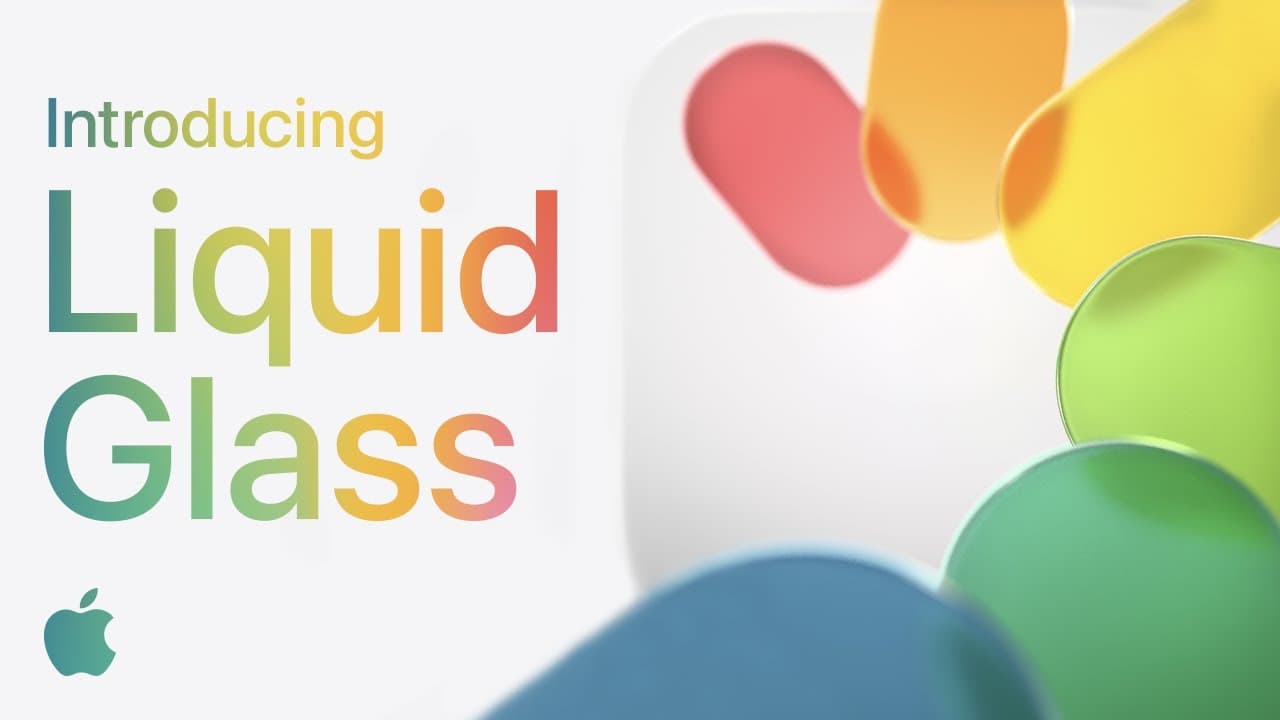
Liquid Glass is Apple's new visual style, and it is widely implemented. While some users, including myself, find it appealing in many instances, others do not like it. Currently, searches for disabling Liquid Glass are as frequent as downgrade searches.
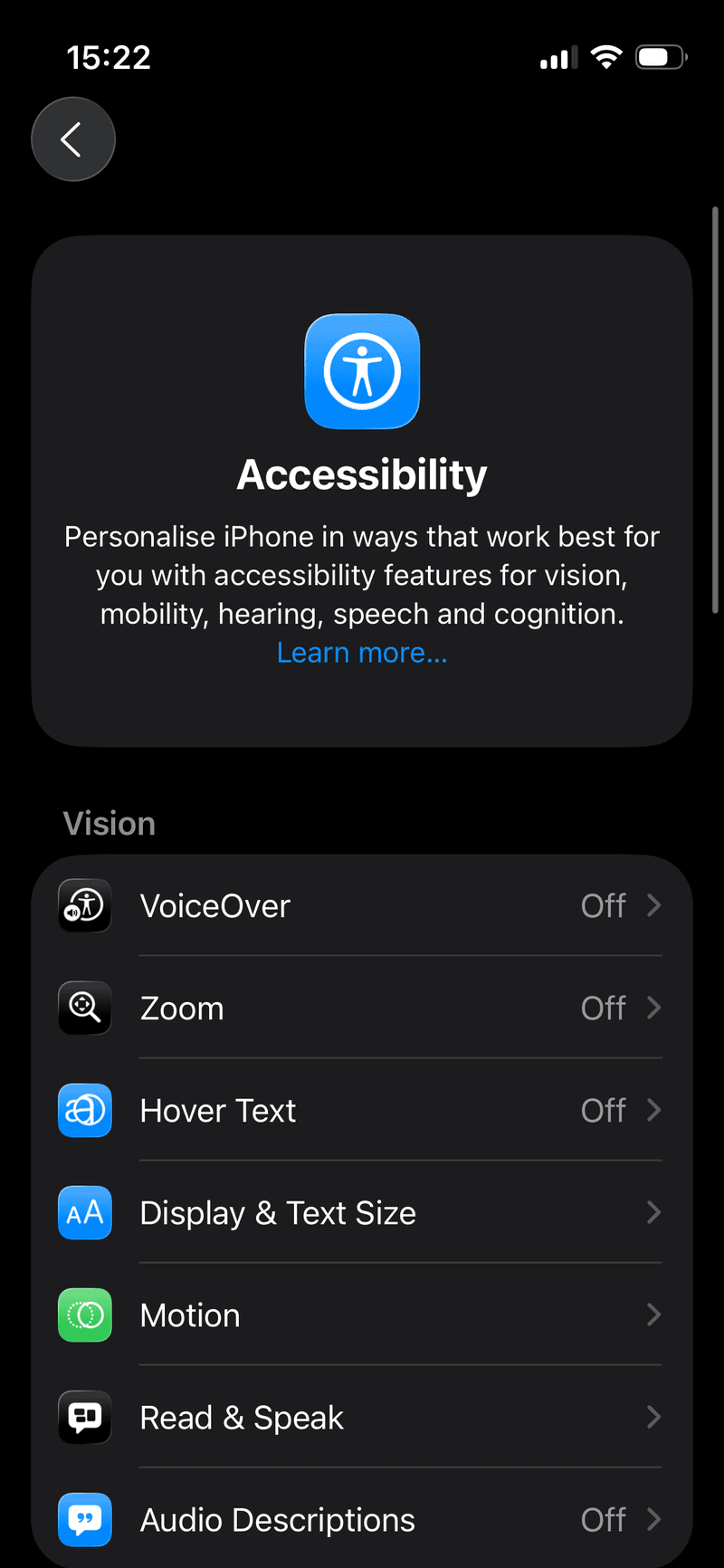
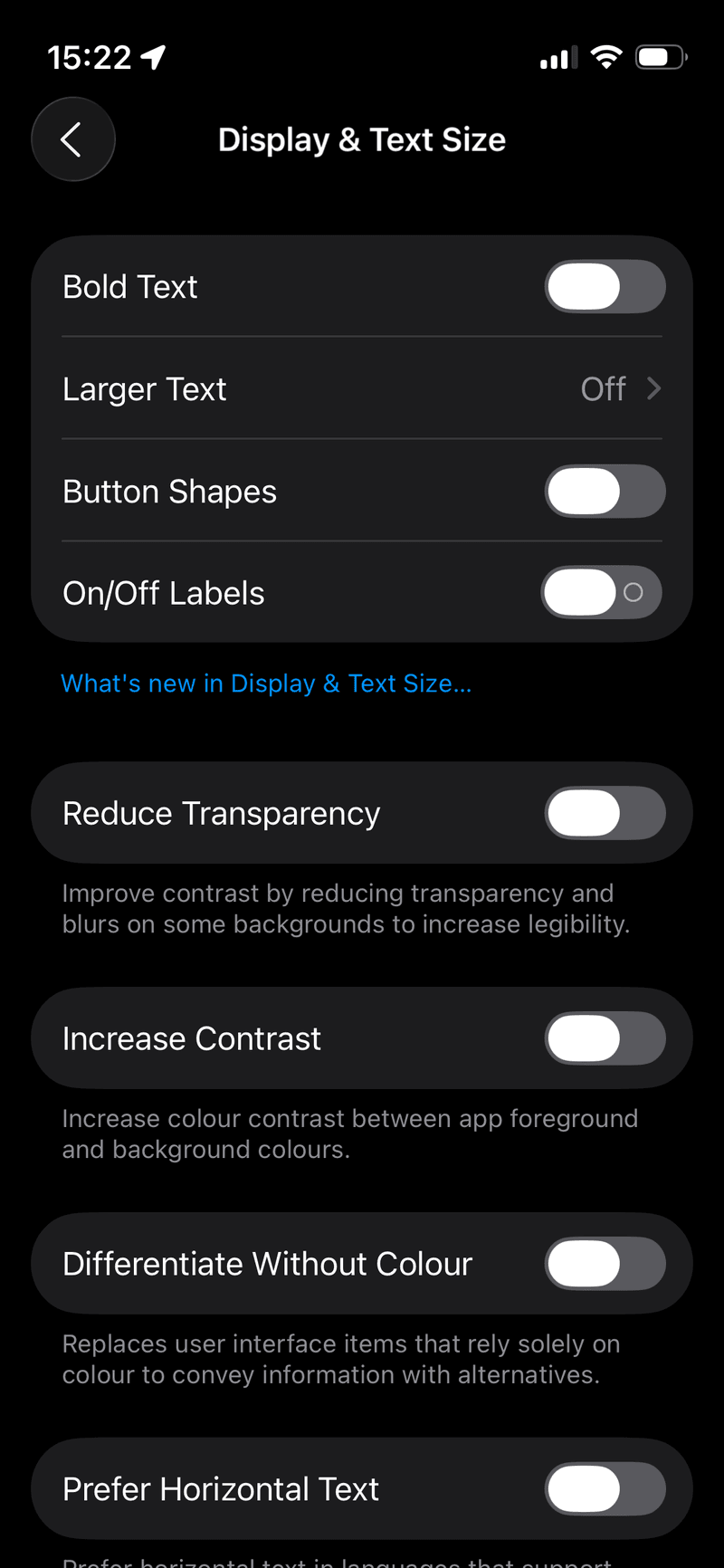
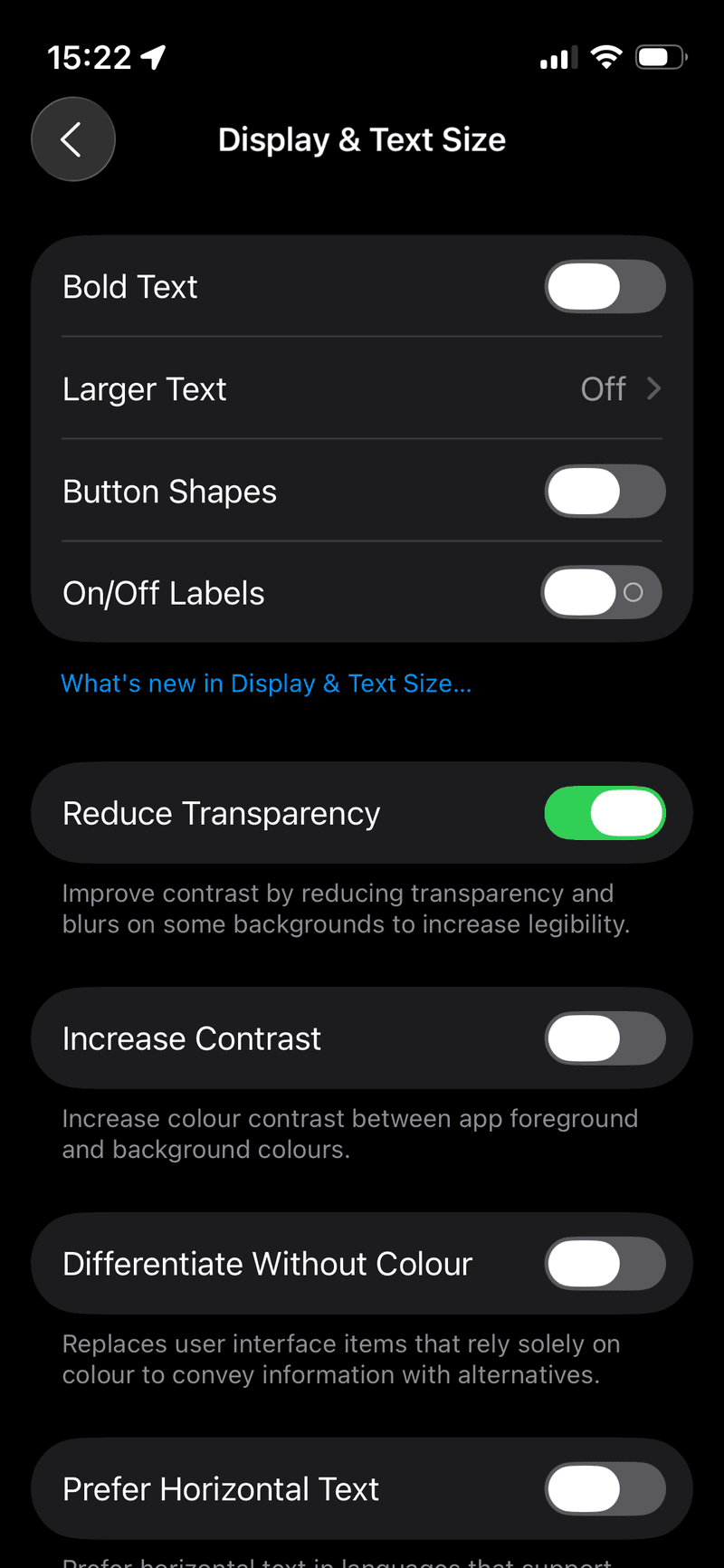
However, adapting to the new design is mandatory. Because the UI is integral to iOS, there is no option to disable it. The closest alternative is enabling Reduce Transparency, which softens the effect.
Liquid Glass presents some challenges, despite its polished appearance:
* Visual clutter and readability: Excessive transparency can make text difficult to read and icons appear disorganized.
* Usability issues: The inconsistent application of Liquid Glass across different apps can lead to a disjointed user experience.
* Performance impact: The processing power required for blurred layers and animations can negatively affect performance and battery life, particularly on older iPhones.
Personally, I find Safari the most frustrating. Closing tabs requires additional steps, and the Liquid Glass effect impairs website text readability. It feels like Apple has made the interface less user-friendly.
Liquid Glass has positive aspects. The new spatial wallpapers are enjoyable, and Photos, Camera, and the Phone app all have a refreshed look with a customizable layout. The new design feels like an improvement once the initial shock subsides.
However, if the new design is unappealing, that is understandable. Remember that updating is irreversible. While updates are necessary for security, delaying the update until any bugs are resolved is a viable option.
Liquid Glass may be the reason for some users' regret in installing iOS 26. New features such as Live Translate, Spam Filtering, and adjustable Lock Screen widgets are likely not the cause. The primary change is the design.
This seems to be just the beginning. There are rumors that the iPhone 18 Pro may extend the transparent aesthetic to the exterior, and iOS 27 will likely reinforce it. Apple's long-term vision might be leading towards a transparent iPhone, regardless of consumer demand.
Future iOS versions will likely push for greater consistency across iPhone, Mac, and Vision Pro. Whether you like it or not, iOS 26 marks the start of Apple's new unified look.