UniFi Home Wi-Fi 7 (UX7-3) with STR MLO Backhaul Review: Ubiquiti’s True Whole Home WiFi Mesh Is Here! - Dong Knows Tech
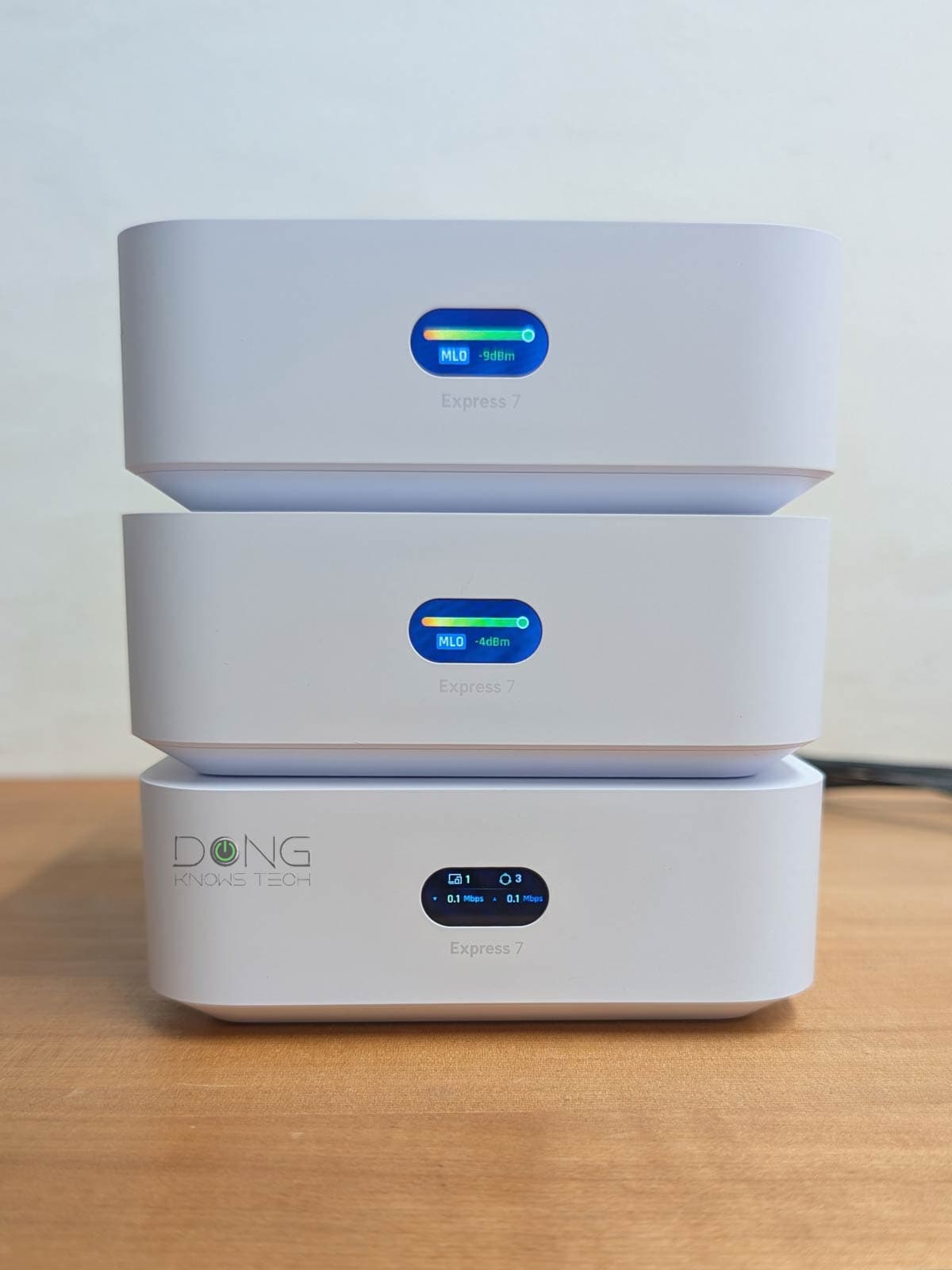
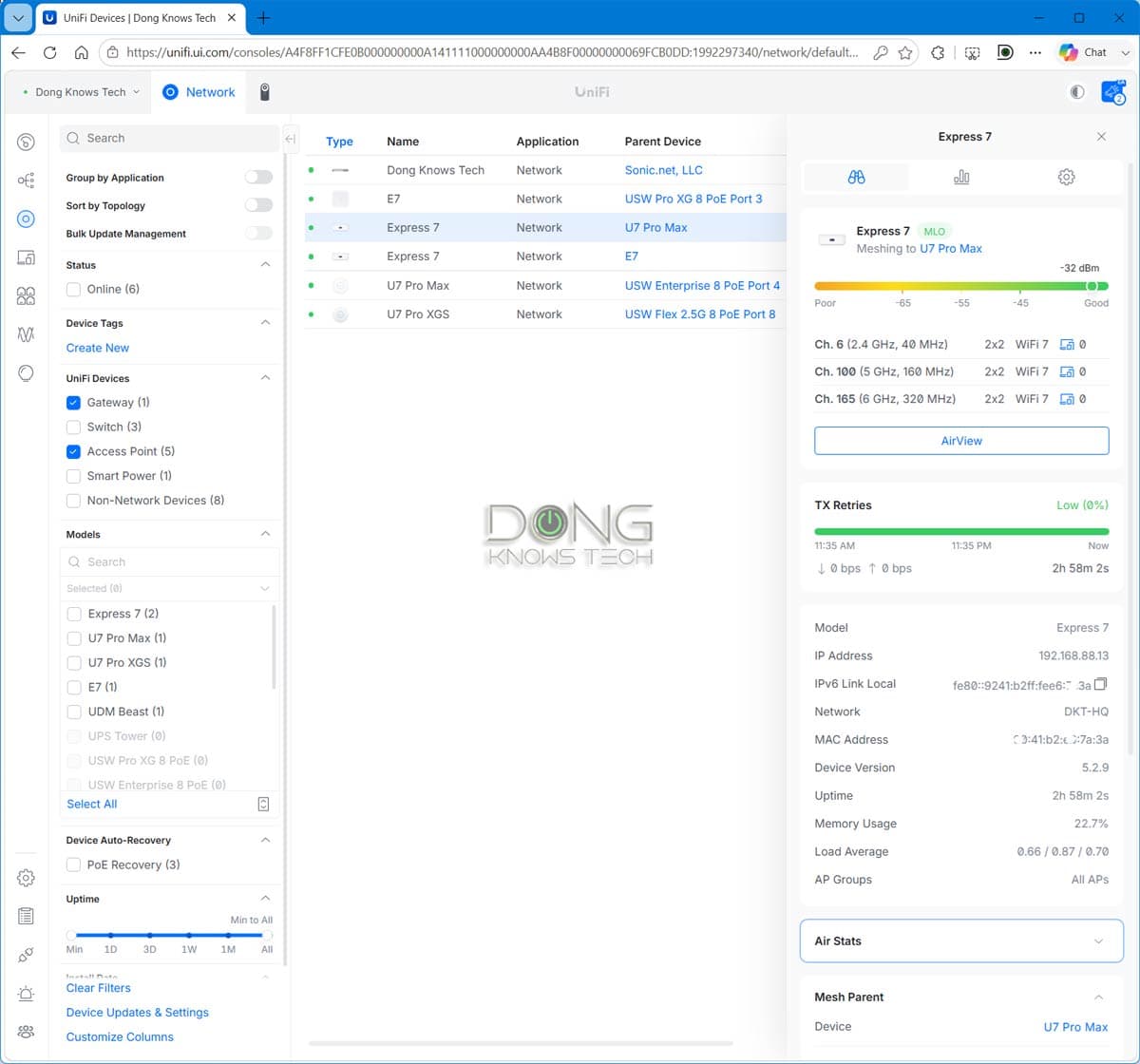
This feature is now officially available on UniFi Express 7, the only UniFi Wi-Fi 7 “router” that can also function as an access point, and thus a UniFi mesh node. There are three terms within UniFi Whole Home WiFi that you should know, including “Mesh Parent”, “Mesh Child”, and “Mesh Connect”: In a UniFi mesh network, starting with Wi-Fi 7, the wireless link between tri-band access points is generally a STR MLO connection. Ubiquiti’s STR MLO works throughout the mesh system.
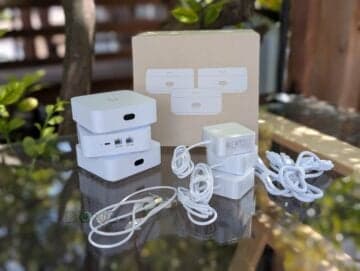
Ubiquiti today introduced a new consumer-grade mesh category, the UniFi Whole Home WiFi. Its first product is the UniFi Home Wi-Fi 7, which consists of bundled packs of the UniFi Express 7 (model UX7) as true MLO-enabled mesh systems.
UniFi Home Wi-Fi 7 is available as a 2-pack (UX7-2) or a 3-pack (UX7-3) that costs $379 and $559, respectively. Or you can get a single unit for $199.99.
“True MLO-enabled” is the keyword here. The UX7 has always been able to work as a member of a mesh system (as the primary router or a node) since its initial release as a standalone UniFi Cloud Gateway (a.k.a. router) with MLO on the fronthaul, albeit only with either the 5 GHz or 6 GHz band as the backhaul.
Now, as a mesh member, it can use both bands as a powerful MLO uplink. The idea also applies when you mix other UniFi tri-band Wi-Fi 7 access points in the same system.
Here’s the bottom line: Ubiquiti’s UniFi Home Wi-Fi 7 is a formidable contender in the crowded pool of Wi-Fi 7 mesh systems. The feature also makes the UniFi Express 7 a handy add-on for those who need to expand their UniFi Wi-Fi network coverage. Need a robust mesh system for your home? Get a UniFi Express 7 bundle today!
Alternatively, you can build a customized system using one of the mixed-hardware options mentioned below.
Powerful STR MLO backhaul to deliver excellent performance, reliable, and flexible mesh configuration
Fully integrated within the UniFi ecosystem to offer various mixed hardware combos with lots of network-related features managed via a comprehensive web user interface with an optional mobile app
Compact, fanless, beautiful design
Only two network ports per hardware unit, with only one being 10 Gbps, no PoE
Mid-tier Wi-Fi specs; no AP mode as a Wi-Fi system; no 2.4GHz band in the backhaul MLO link; no AFC
The name is new, but UniFi Whole Home WiFi has been in the making for quite some time.
The idea became inevitable at the beginning of 2026, when Ubiquiti unveiled the AirWire as the first, and for now still the only, bridge client to support Simultaneous Transmit and Receive Multi-Link Operation (STR MLO) as the uplink.
Since then, Ubiquiti has gradually made STR MLO available on other Wi-Fi 7 hardware, including the UDB Switch and standalone tri-band UniFi Wi-Fi 7 access points.
This feature is now officially available on UniFi Express 7, the only UniFi Wi-Fi 7 “router” that can also function as an access point, and thus a UniFi mesh node.
With that, we now have Ubiquiti’s new Whole Home WiFi category. Specifically, when used together in a fully wireless (mesh) configuration, all Ubiquiti’s tri-band Wi-Fi 7 access points can use a STR MLO as the backhaul (uplink), and all UniFi Cloud Gateways (“routers”) now have the “Mesh STR MLO” setting as part of their rich feature set.
In network connectivity, there are always fronthaul and backhaul.
Fronthaul (or downlink) refers to the signal from a host device (such as a router) going toward an end device (such as a computer). Backhaul (or uplink) is the signal from an end device going to the host device.
In most cases, the backhaul and fronthaul are the same—it’s just a matter of perspective.
However, a go-between device that relays the signal, such as a network switch or a Wi-Fi access point, has two distinct backhaul and fronthaul ends: the backhaul (the uplink to a single host) determines the max bandwidth (to the router or the Internet) shared between all of its connected end devices on the fronthaul (such as wired computers or Wi-Fi clients).
Additionally, keep the following in mind about the uplink for a wireless go-between device, such as a satellite/extender unit of a mesh system:
For the best performance and reliability, network cables are recommended for uplink (a.k.a. wired backhaul), which is only possible when the go-between device has a network port, preferably a Multi-Gig port.
Like all things, it’s always the details that matter.
There are three terms within UniFi Whole Home WiFi that you should know, including “Mesh Parent”, “Mesh Child”, and “Mesh Connect”:
In a UniFi mesh network, starting with Wi-Fi 7, the wireless link between tri-band access points is generally a STR MLO connection. In other words, STR MLO is applicable to the go-between access point, and not end devices.
Ubiquiti’s STR MLO works throughout the mesh system. Specifically, even in a daisy-chain setup, the STR MLO link is available in all mesh units. This is a huge advantage compared to the general implementation of MLO in other mesh brands, where it’s available only between the primary router and the directly connected mesh satellite nodes.
Note: The star topology is always recommended in any mesh system, including Ubiquiti’s UniFi Whole Home WiFi.
After that, here’s what you can expect from Ubiquiti’s Whole Home WiFi approach with STR MLO, as confirmed in my experience:
With that, here are the following hardware combo options that you can use to build a UniFi Whole Home WiFi system today:
Of the options above, the first (#1) is most applicable to home users and, in my experience, has consistently supported STR MLO. This strong backhaul link was also available in the second option when I combined the UX7 with other standalone UniFi Wi-Fi 7 access points, such as the U7 Pro XG/S, E7, or the U7 Pro Max.
However, by the time I published this, STR MLO wasn’t available when I used the UX7 as the mesh child of a UniFi Dream Router 7. On this matter, keep in mind that, according to Ubiquiti, the STR MLO should work with this combo or any combo of UniFi Wi-Fi 7 tri-band access points—it’s just a matter of time and updates.
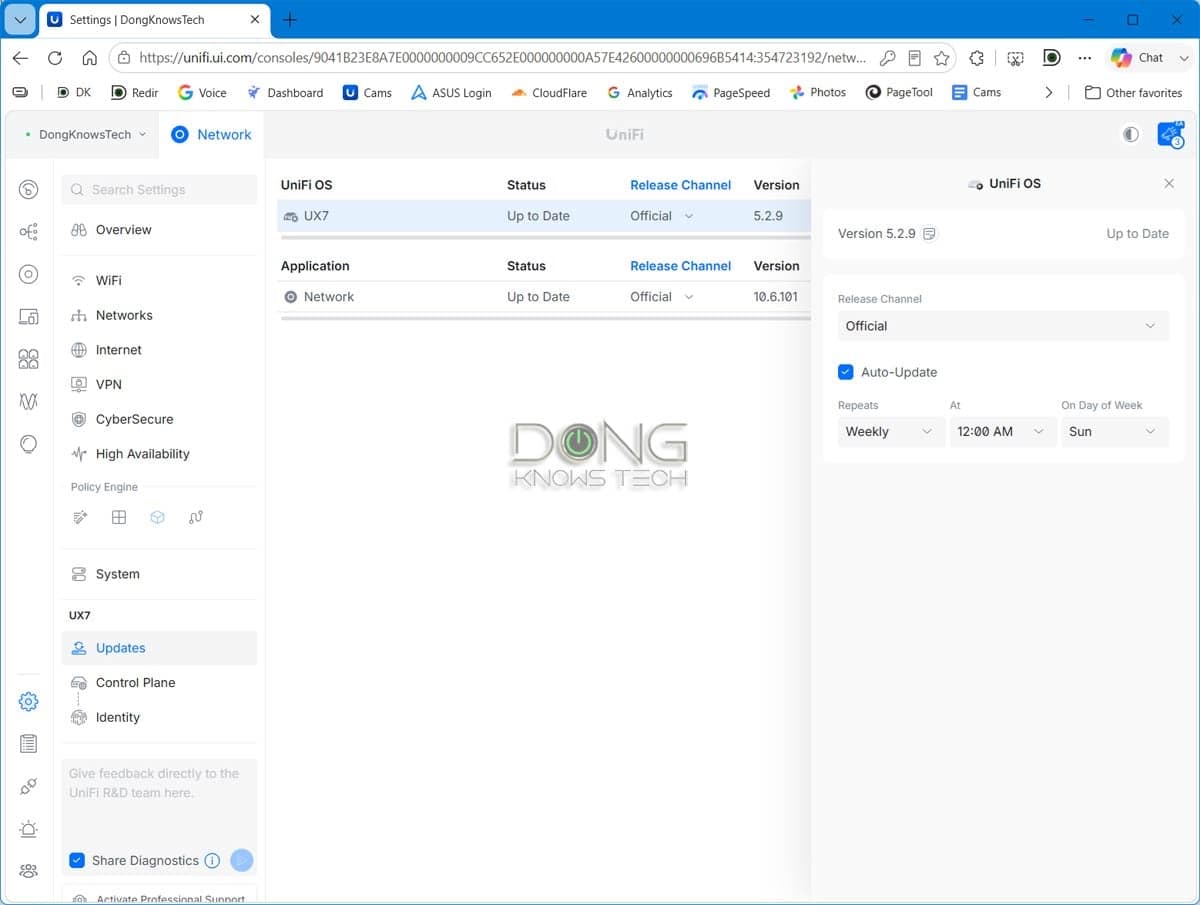
I reviewed the UniFi Express 7 as a standalone “router” a while ago, and my assessment hasn’t changed. With the latest UniFi OS and Network version, the UX7 evolves alongside the rest of the ecosystem, offering the same features and customization as other UniFi Cloud Gateways when used as a router.
The biggest difference is that, this time around, as a mesh node, it can use STO MLO as the backhaul, and I focused on the performance improvements of UniFi Home Wi-Fi 7 when working as a true mesh system. For that, I tested a 3-pack UniFi Express 7 (UX7-3) for a few weeks, and it was a satisfying experience compared to when I first ran into the UniFi Express 7 last year, especially since the new mesh feature was a simple (and free) software update.
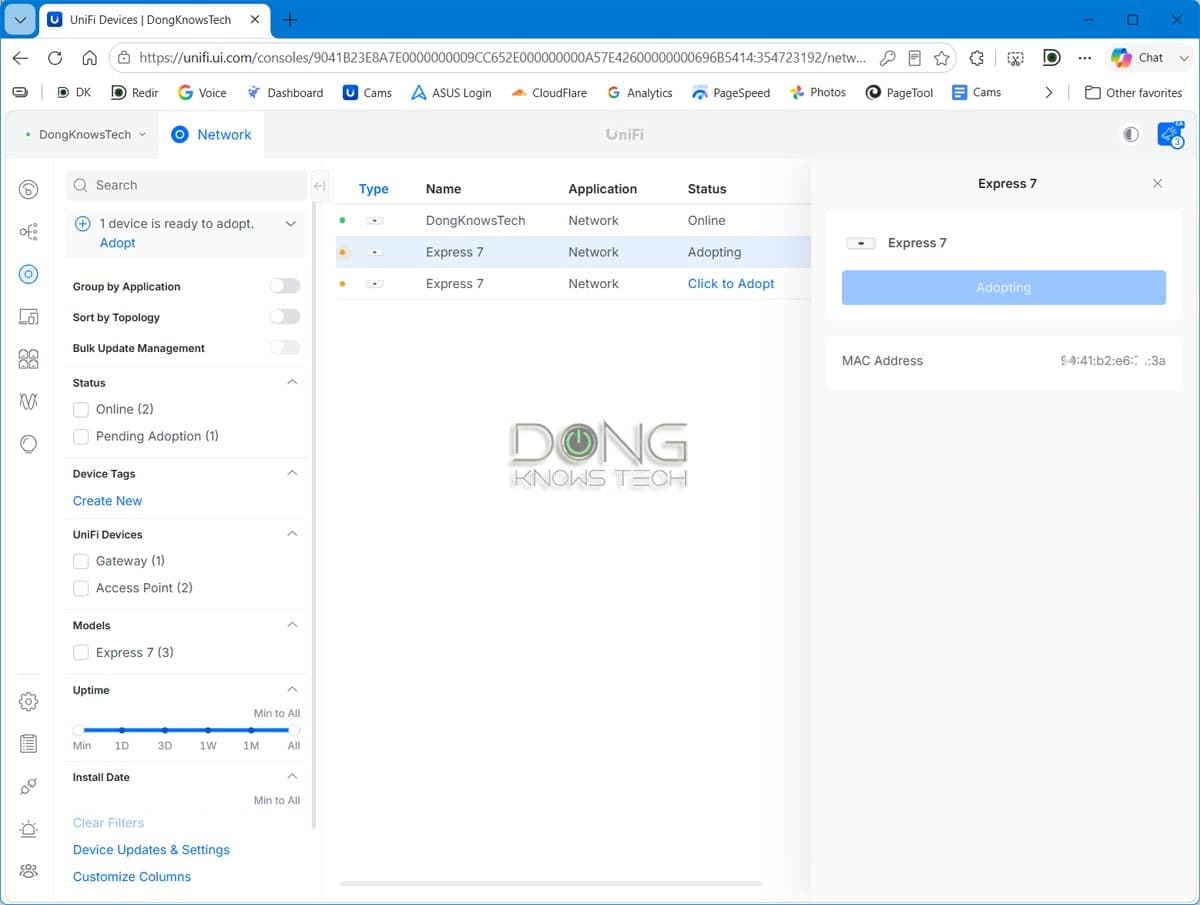
Note that even with a bundled pack, the hardware units aren’t pre-synced—it’s the same as when you use multiple standalone UX7 units together. You need to pick one as the system’s primary router, then add the rest, one at a time, to form a mesh. This is not a huge deal, as the process is straightforward, just like adding any UniFi device to the network as detailed in this guide.
By combining the 5 GHz and 6 GHz bands into a single link, the mesh node now has much stronger wireless backhaul (WB) bandwidth than when it used only 5 GHz (or 6 GHz) for backhaul—an increase of over 800 Mbps in my testing.
With that powerful backhaul, the mesh node also worked better for clients overall.
You’ll note on the charts that because STR MLO used both the 5 GHz and 6 GHz bands for the uplink, neither band could reach top speed when serving the single test client, as it did when the 5 GHz band was used as the backhaul. Additionally, the improvement in STR MLO played a more significant role in long-range tests.
As expected, STR MLO didn’t improve range on the UX7, which doesn’t support AFC—coverage remained the same when the UX7 used a single band for the backhaul in the previous version of UniFi OS.
Still, the node’s coverage is quite excellent. It’s hard to put Wi-Fi range into a single number, but I estimate that each UX7 node, when placed at the center, can cover about 1,700 ft² (160 m²) of area—your mileage will vary.
It’s worth noting that a UniFi mesh system offers excellent customization and handoff. My test clients roam more easily between different nodes, and I can also lock them to a particular access point within the system.
By enabling STR MLO on the UniFi Express 7 and bundling multiple units with discounts into the UniFi Home Wi-Fi 7 mesh system, Ubiquiti has gone the extra mile to make its enterprise-class ecosystem consumer-friendly in both functionality and cost.
And with that, fans of home mesh now have another excellent option for one of the best, if not the best, mesh approaches. Consider it today!
Dong Ngo is an independent tech journalist with over 25 years of experience, including an 18-year stint at CNET, where he ran CNET SF Labs, developed testing methodologies, and reviewed gadgets. He founded Dong Knows Tech in early 2018 to provide nonsense-free tech news, reviews, and how-tos.